Prompt Text
Add Node → Compose → Prompt Text
A prompt you write once and wire into as many cards as you like. Write the subject of a shoot here, wire it into five generators, and changing it in one place changes it for all five.
It’s the card that carries words into the graph. Further down the same menu, Label carries words onto the canvas for you to read, and connects to nothing.
What’s on the card
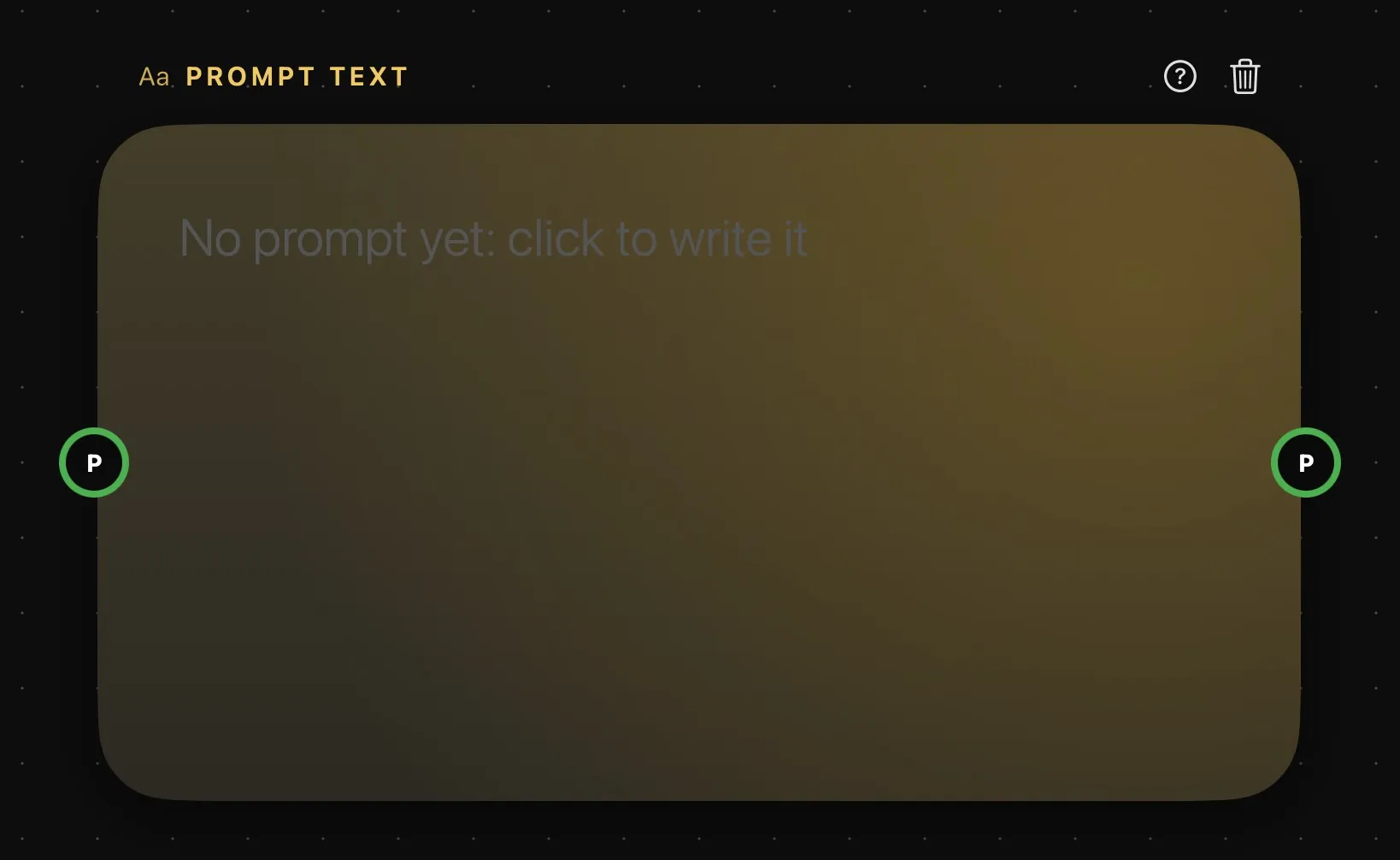
| Area | What it does |
|---|---|
| Above the card | The card’s name — PROMPT TEXT until you rename it — then help and delete. Double-click the name to rename it, so you can tell several apart. |
| The text | Your prompt, in large type. A new card reads No prompt yet: click to write it: select it, then click the text to write on the card itself. |
| P | Optional, on the left. With a prompt wired in, the card shows that prompt and is read-only. |
| P | The output, on the right: the text with its presets, ready to wire into a generator’s prompt ring. |
More on rings in How nodes connect.
Writing in the Prompt bar
Select the card and the Prompt bar opens on it, with the text ready to write at a comfortable size. + Presets and the microphone sit at the foot of the text, and they’re only here, not on the card.
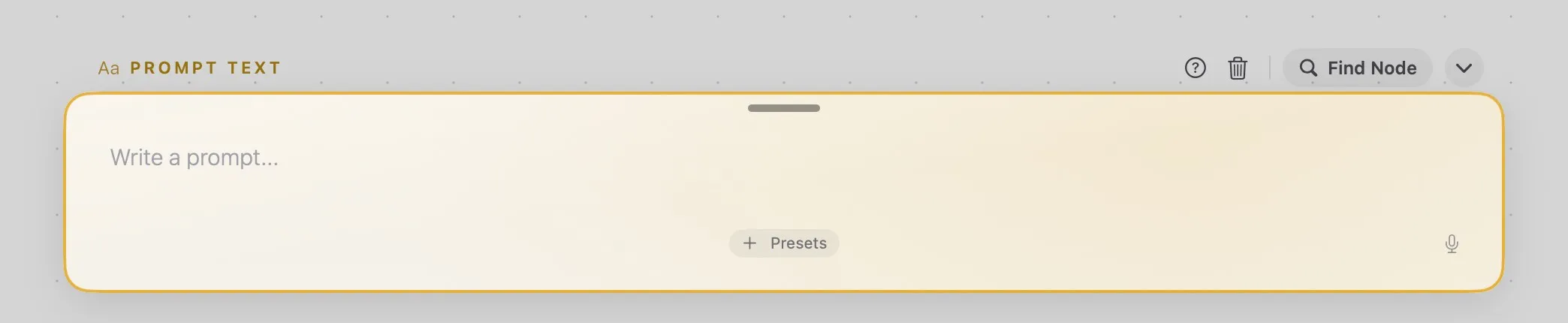
The presets you add go out with the text: a generator wired to this card gets your prompt with the presets worked in. See Presets.
If a prompt is wired into the left ring, the bar shows that one, read-only.
Taking a prompt from a result
A finished picture or clip has no prompt ring to wire from. To reuse the prompt that made it, right-click the card showing it — or the picture or clip itself, on the canvas — and choose Copy Prompt. Then right-click a Prompt Text, or a generator, and choose Paste Prompt: the text goes in, along with the presets it was made with. It only pastes into a card whose prompt isn’t wired in from elsewhere.