Avatar
Add Node → Generate → Avatar
Give it a portrait and a voice recording, and it gives you back a talking video: the mouth moves in sync with the sound, and the face comes to life around it. It runs in the cloud, through your provider.
What’s on the card
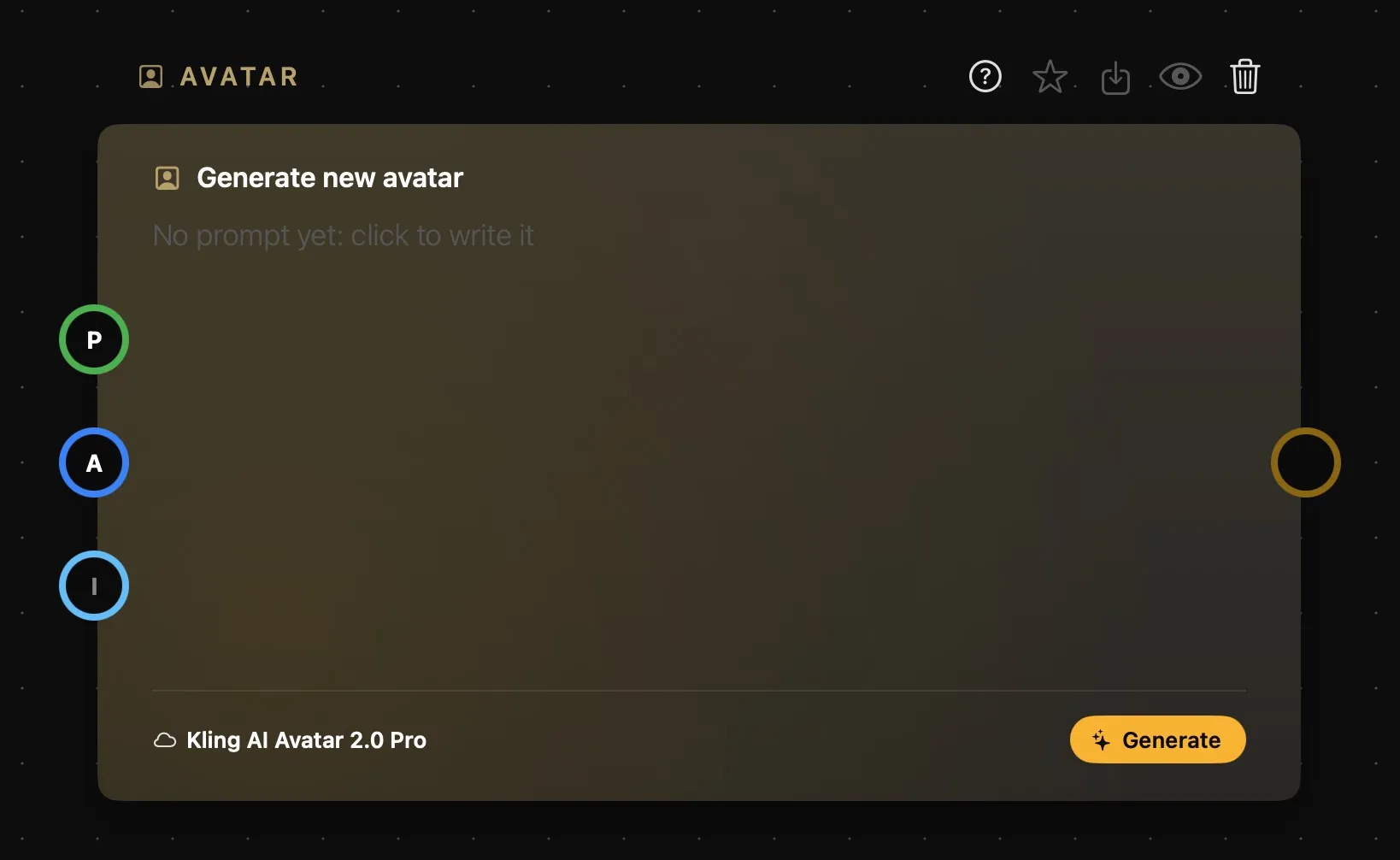
| Area | What it does |
|---|---|
| Above the card | The card’s name, then its buttons: help, favourite, Save As, Preview and delete. See How nodes work. |
| The prompt | Optional. A line or two describing the performance — see below. Leave it empty and the model works fine. |
| The foot | The model, and Generate. There’s nothing else to set: everything about the clip follows the sound you wire in. |
| P | Optional. A Prompt card, a Prompt Text, a Prompt Concat, a part of a Prompt Split, or a Workflow’s prompt. |
| A | Required. The voice: an Audio card, or a sound from a Media Placeholder. Its length decides both the clip’s length and what it costs. |
| I | Required. The portrait of whoever’s talking. One only. |
| Output | The ring on the right: the talking clip. |
A ring is hollow until something is connected and fills with colour once it is, so you can see at a glance what the card still needs — and Generate won’t go without the portrait and the sound. There’s more on all of this in How nodes connect.
What it needs
Two things, both required: an image of the person (or character) you want talking, and an audio clip of what they should say. Wire the portrait into the I ring and the sound into the A ring.
For the image, use a clear, front-facing shot with the whole face visible — no sunglasses, no hands near the mouth, no extreme angles. The model needs to read the face to sync the lips well.
For the audio, keep it clean: just the voice, no music or background noise, no people talking over each other. Anything extra in the recording makes the lip-sync less convincing.
There’s also an optional prompt, if you want to nudge the performance — more on that below.
Which model should you use?
| Model | Max length | Price range | What it’s good at | |
|---|---|---|---|---|
| Pro | Kling AI Avatar 2.0 Pro | 5 min | $0.56–33.60 | The safest default and the most natural result — subtle expressions, believable movement. The one for real, photorealistic people. |
| Good | Kling AI Avatar 2.0 Standard | 5 min | $0.28–16.80 | The same idea at half the price and lower quality. Good for a quick test before committing to a Pro generation. |
| Creative | HeyGen Avatar IV | 2 min | — | Runware only. Reads tone and rhythm in the audio and drives head movement and expression from it. The best choice for anything that isn’t a real photo — illustrated characters, mascots, 3D models. |
Prices are indicative and set by the providers, who revise them: see wavespeed.ai or runware.ai for current rates.
Price follows the length of your audio, not any setting you pick. The two Kling models bill by the second — 11.2 cents a second on Pro, half that on Standard — with a five-second minimum and a five-minute cap, so the low figure above is any clip of five seconds or less and the high one is the full five minutes. Those rates are WaveSpeed’s, and HeyGen has no figure at all because it only runs through Runware.
Until a sound is wired in, the price under Generate assumes five seconds. On WaveSpeed the sound is rounded up to the whole second.
Prompting the avatar
Select the card and the Prompt bar opens on it, with the model and Generate.
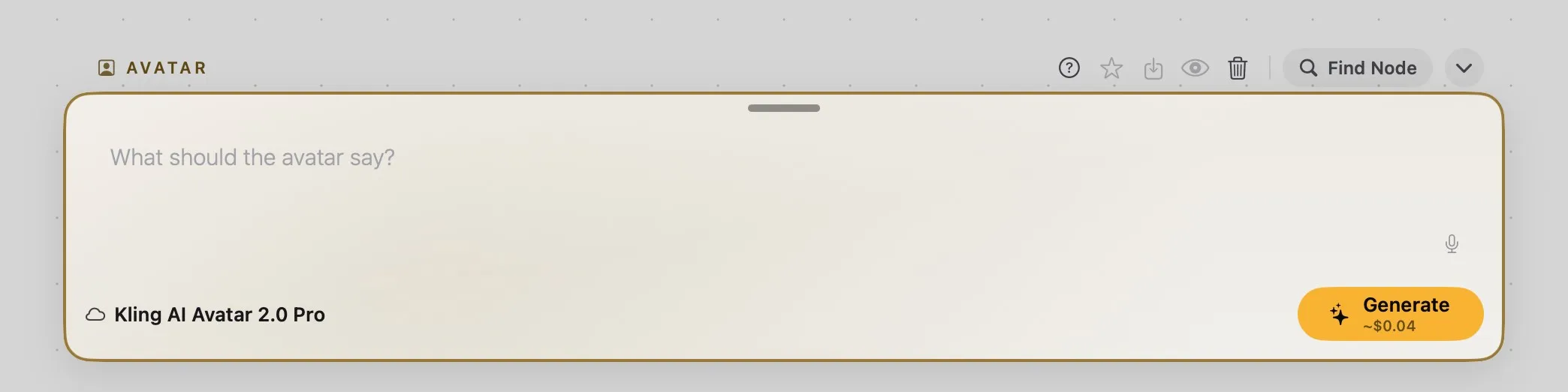
The field asks What should the avatar say?, but the words come from the sound on A, not from here: what you write only steers the performance.
You don’t need a prompt at all — every model works fine without one. But a short one helps: one or two sentences describing the performance, not the lip-sync itself (that part is automatic). Say who the avatar is and their tone, how they should look while speaking, and how animated they should be. Keep it simple and avoid contradictory or vague instructions — a few clear directions beat a long paragraph.
Treat your first generation as a test: check the lip-sync and expression on a short clip before committing to a longer one.