Workflows. Real projects, ready to open in Node Composer.
From a hand-drawn sketch to a 16-second reel. Each one shows its canvas, every prompt and what it cost, and comes as a file you open in the app and run again with your own keys.
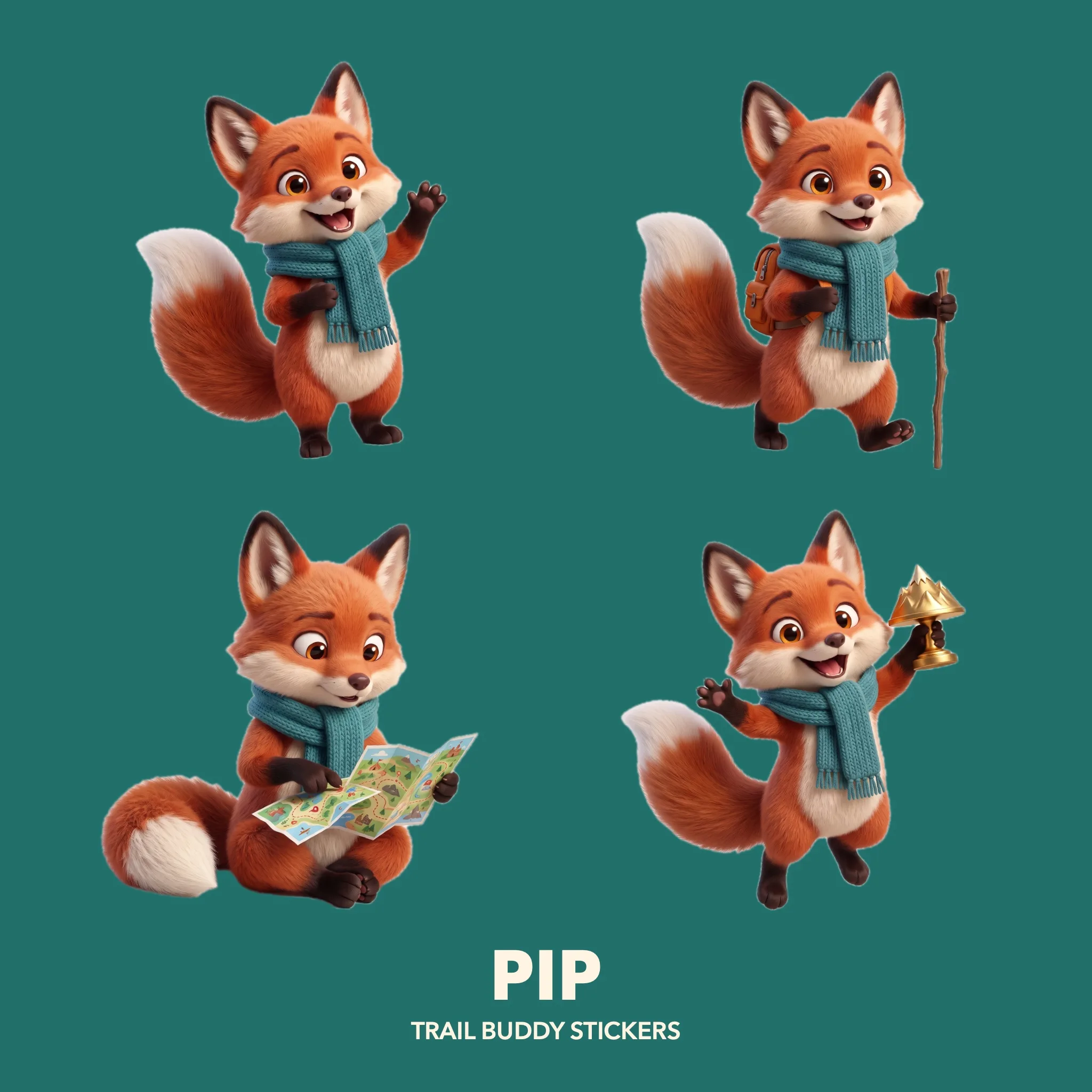
Pip
A mascot from one prompt, posed four times, cut out and laid out as a sticker sheet by a Layer Composer.
See the whole workflow
The Camel Coat
One model and one coat become three looks, then a Layer Composer arranges them on one page.
See the whole workflow
ORSO Cold Brew
A set, a cut-out can and a splash, combined into a 3:4 post and a 9:16 story.
See the whole workflow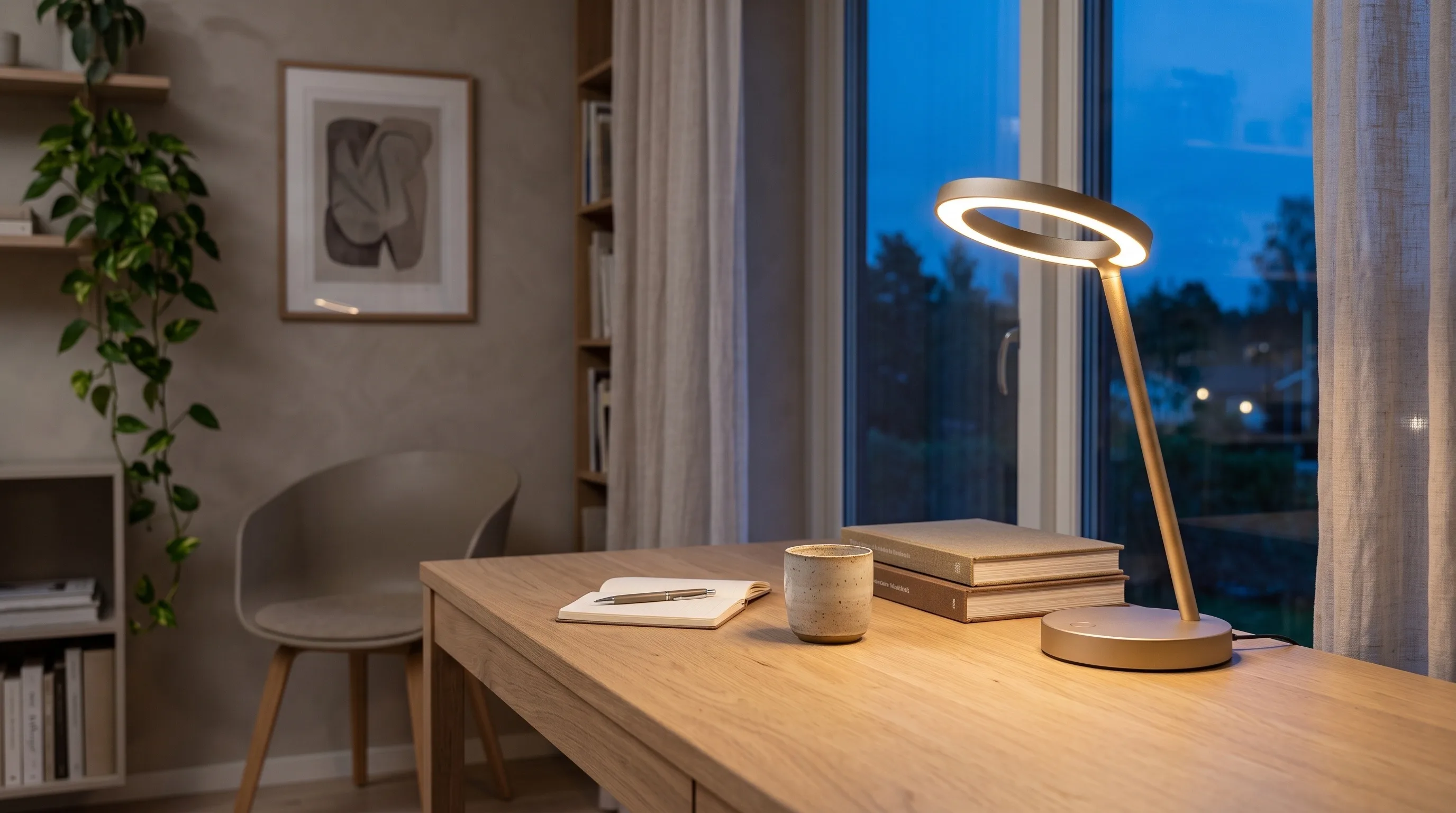
Halo
A sketch becomes a render, the render a 3D model, and the model sets the shot of the final photo.
See the whole workflowNOVA
One perfume packshot becomes four keyframes, four Kling clips and a 16-second reel.
See the whole workflowThe Keeper
One prompt writes four shots, a character reference keeps the robot consistent, and each frame becomes a Kling clip.
See the whole workflow
Open them in
Node Composer.
- 01Pick a workflow and download its .nodecomposer file.
- 02Double-click the file, or drag it into Node Composer. Import Project (⌘O) works too.
- 03It opens as a new project, with the images and every prompt in place. Nothing in your library is overwritten.
Running a card again goes through your own provider key, at the price shown on the node.
 Coming soon