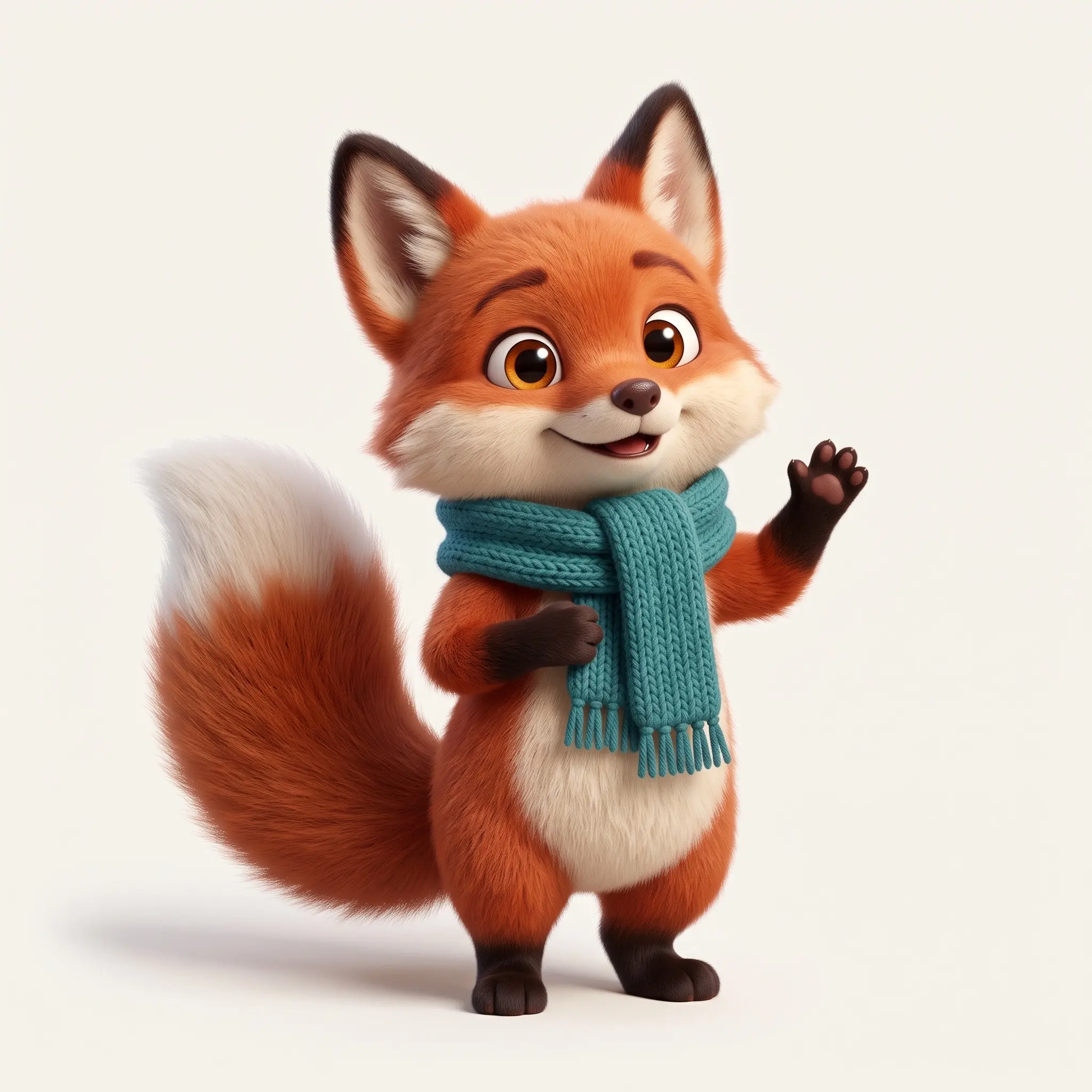
Pip. A brand mascot, posed and cut out.
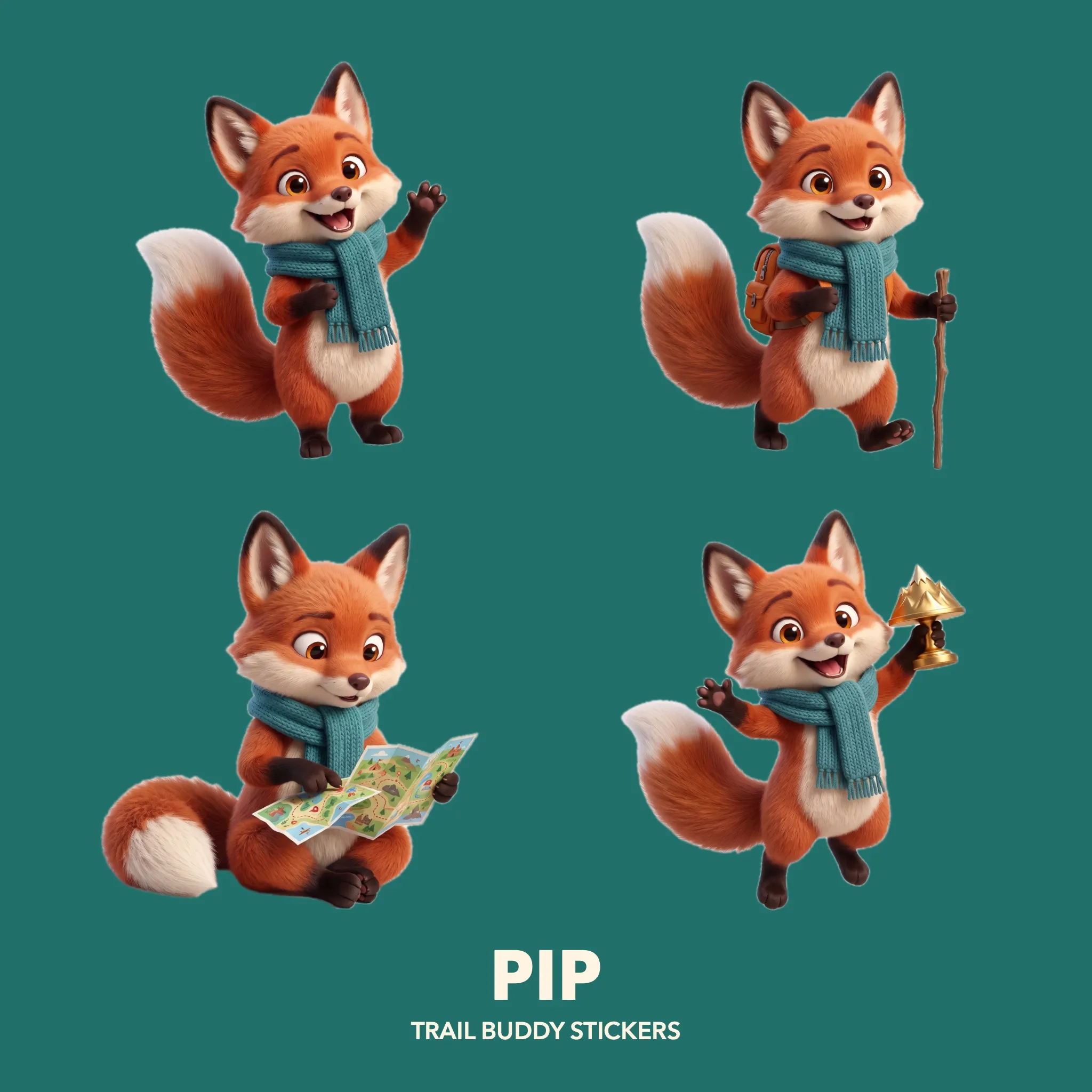
One prompt draws the mascot. A Workflow then poses him four times and cuts each pose out of its background. A Layer Composer arranges the four cut-outs into a sticker sheet. The whole project costs $0.31.
 1
1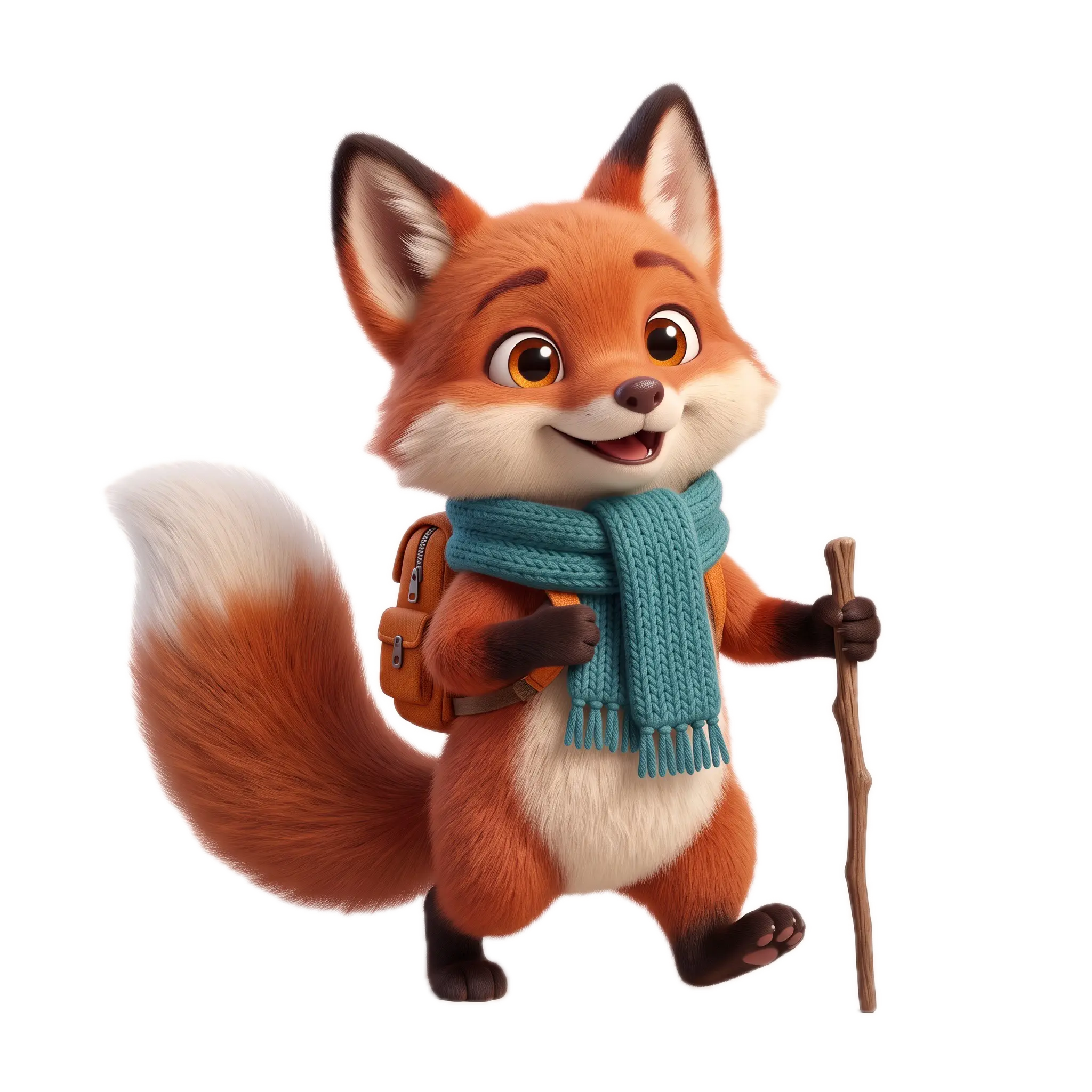 2
2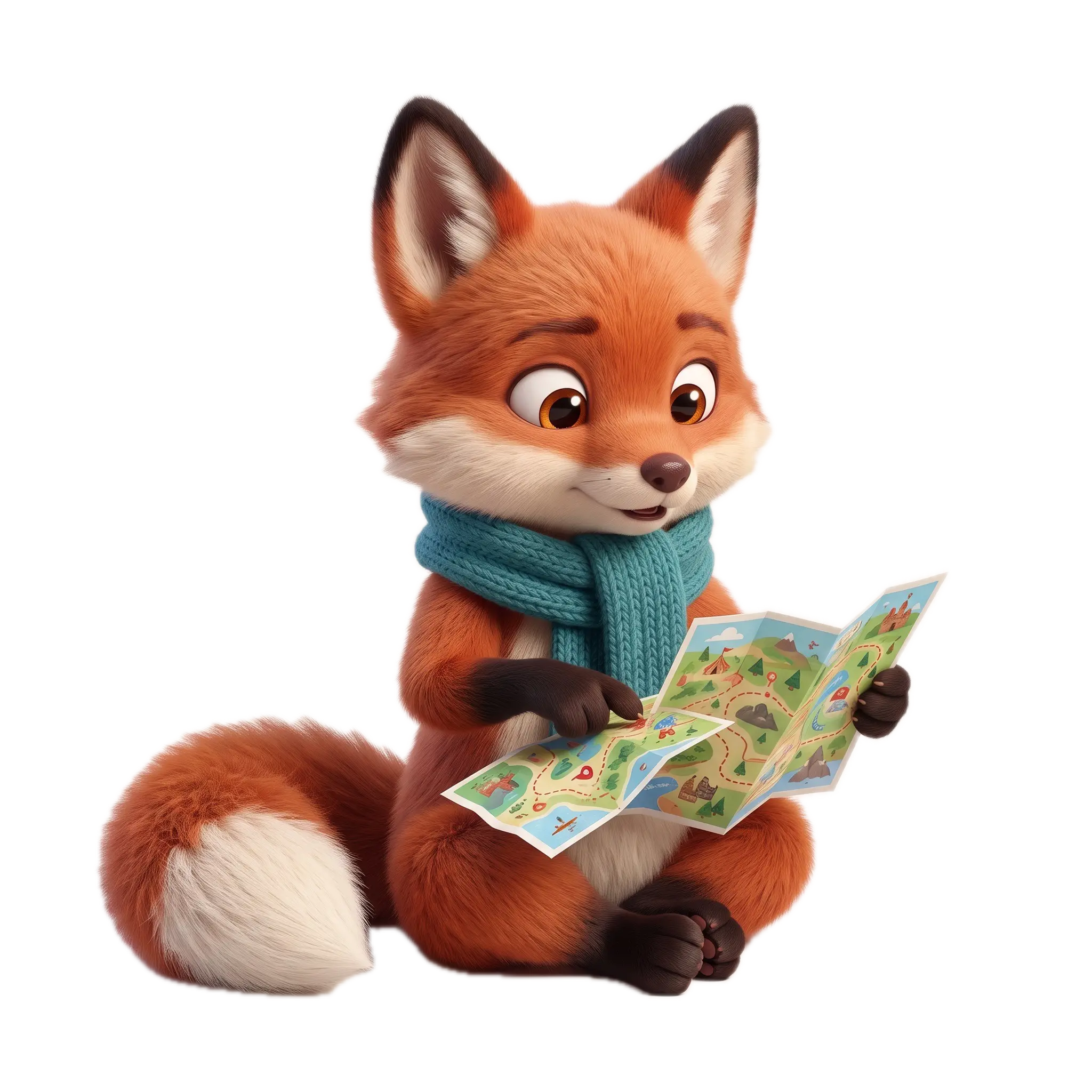 3
3 4
4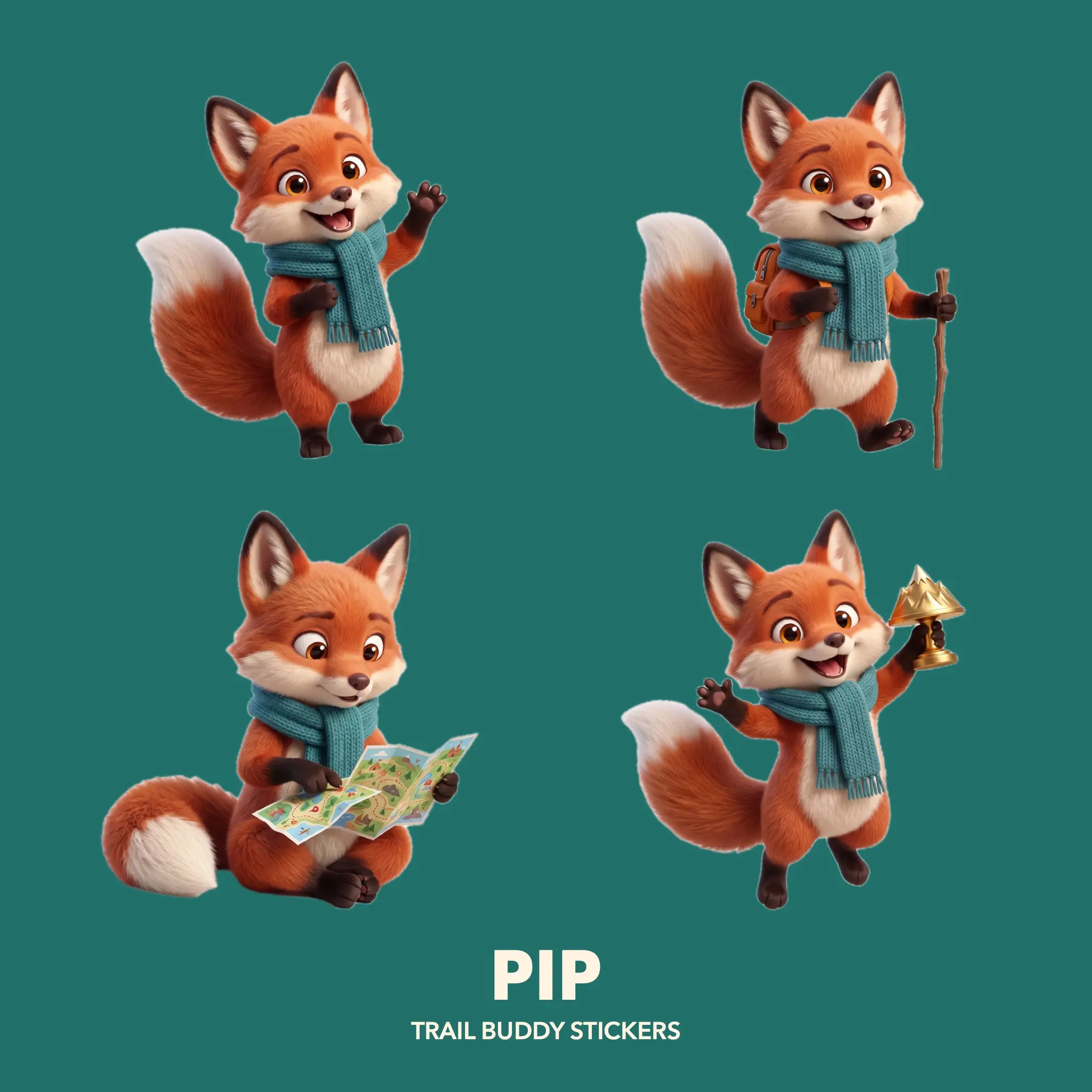
Drag the nodes around, the wires follow.
- Nodes
- 3 on the canvas, 4 inside the Workflow
- Results
- 5 images, 4 cut-outs, a sticker sheet
- Models
- Nano Banana 2.1, Remove Background
- Spent
- $0.31
One character,
four poses, one sheet.
Every pose uses the first mascot image as its reference, so the fox stays the same fox. The four poses sit inside a Workflow, which keeps the main canvas down to three nodes.
- 01 · The mascot
Pip
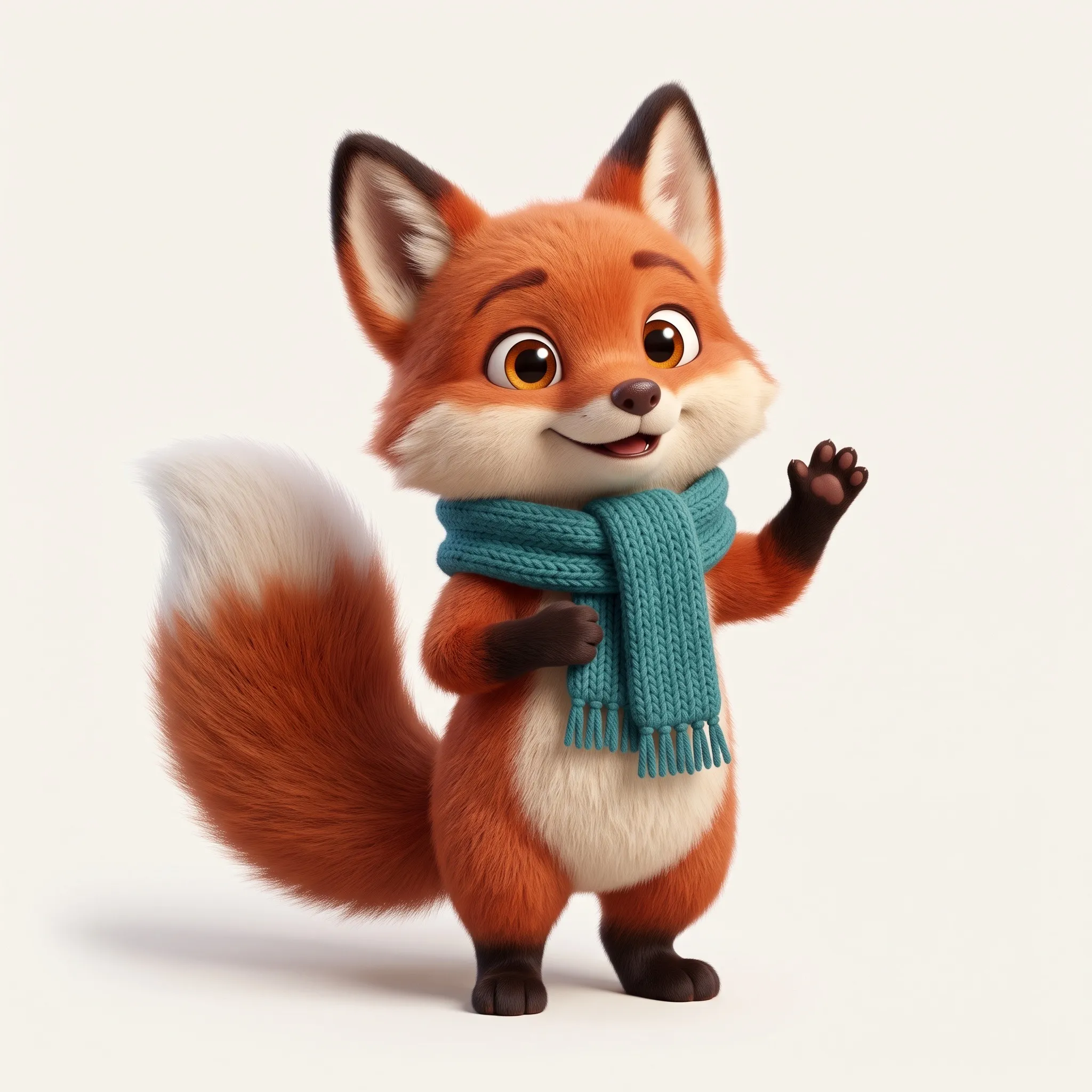
This first image defines the character: a small red fox with amber eyes, a white-tipped tail and a teal knitted scarf, in a soft 3D animated-film style on a plain off-white background. Every later pose refers back to this image, so the mascot stays consistent.
Brand mascot design: Pip, a small friendly red fox with big amber eyes and a fluffy white-tipped tail, wearing a teal knitted hiking scarf, soft 3D animated-film style, full body standing in a three-quarter view, plain off-white background, soft studio light.
- 02 · Inside the Pose pack Workflow
Four poses in one Workflow
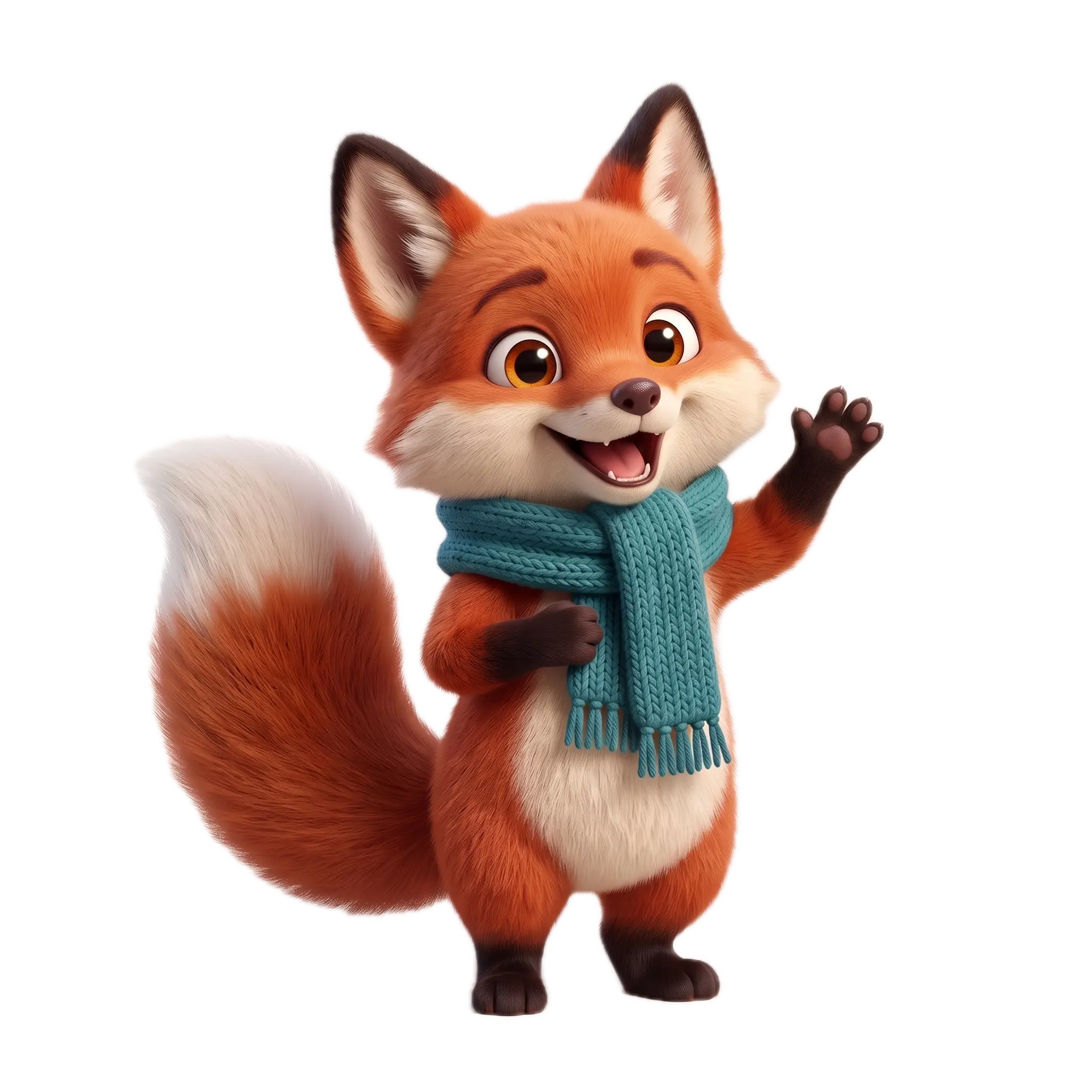
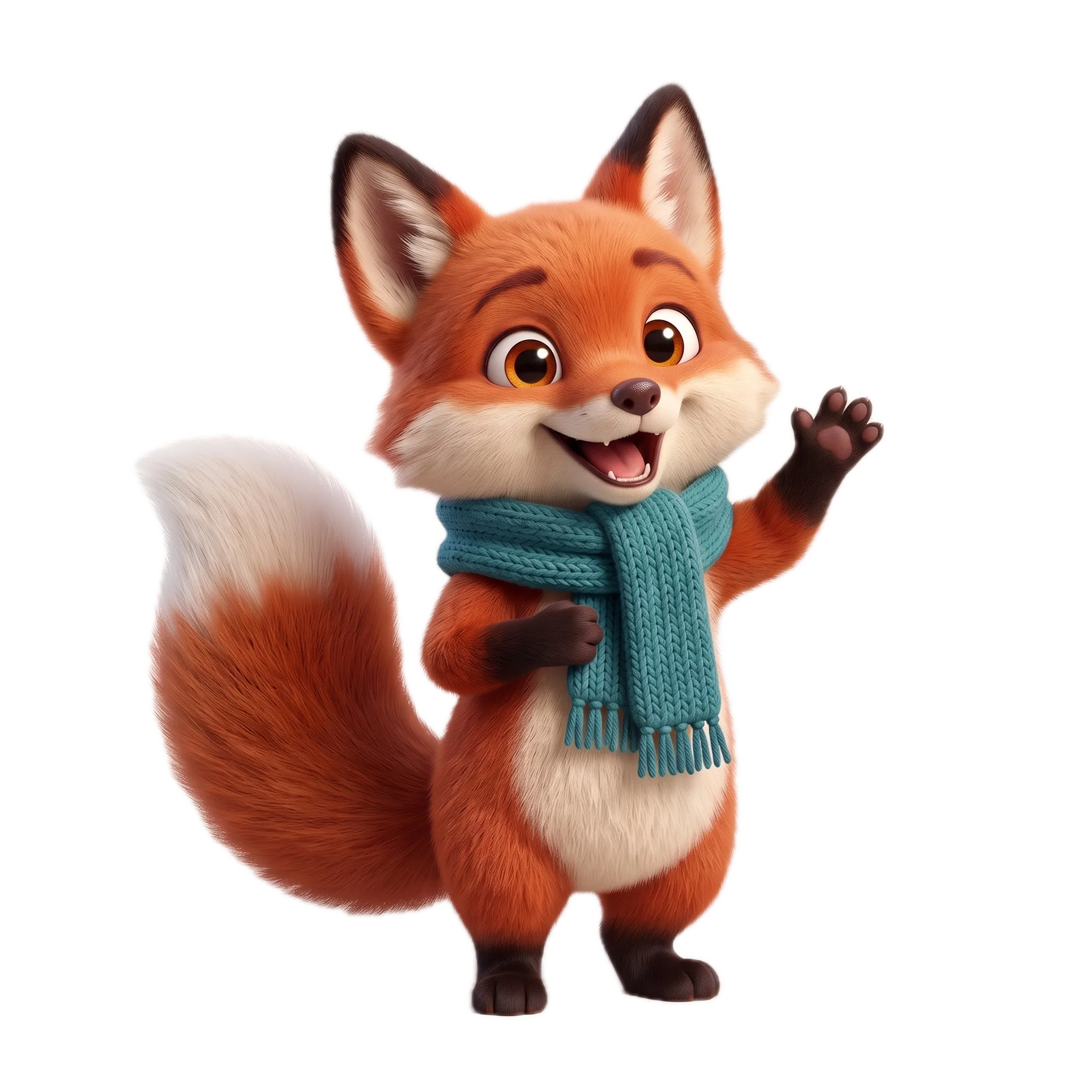
Double-click the Pose pack node and its own canvas opens. Four Image nodes each take the mascot as a reference and generate one pose, and Remove Background cuts each result out. From the outside, the Workflow is a single node with four outputs: Wave, Hike, Map and Trophy.
Pip, the fox from the reference, waving hello with one paw and a big smile; same character, same 3D style, full body, plain off-white background. Pip, the fox from the reference, hiking mid-stride with a tiny orange backpack and a wooden walking stick; same character, same 3D style, full body, plain off-white background. Pip, the fox from the reference, sitting cross-legged and reading a folded trail map, curious expression; same character, same 3D style, full body, plain off-white background. Pip, the fox from the reference, jumping with joy and holding up a small golden trophy shaped like a mountain; same character, same 3D style, full body, plain off-white background.
Wave 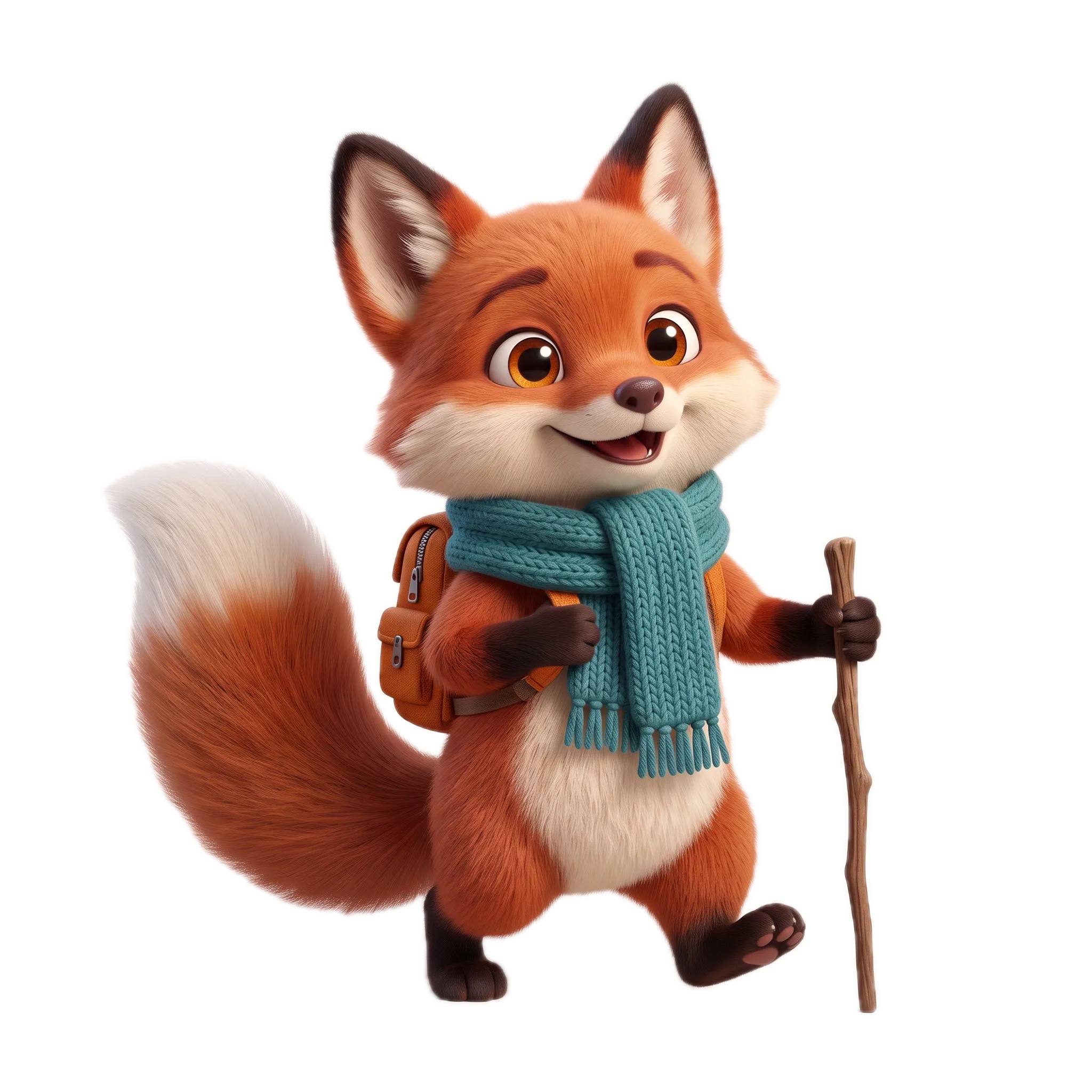
Hike 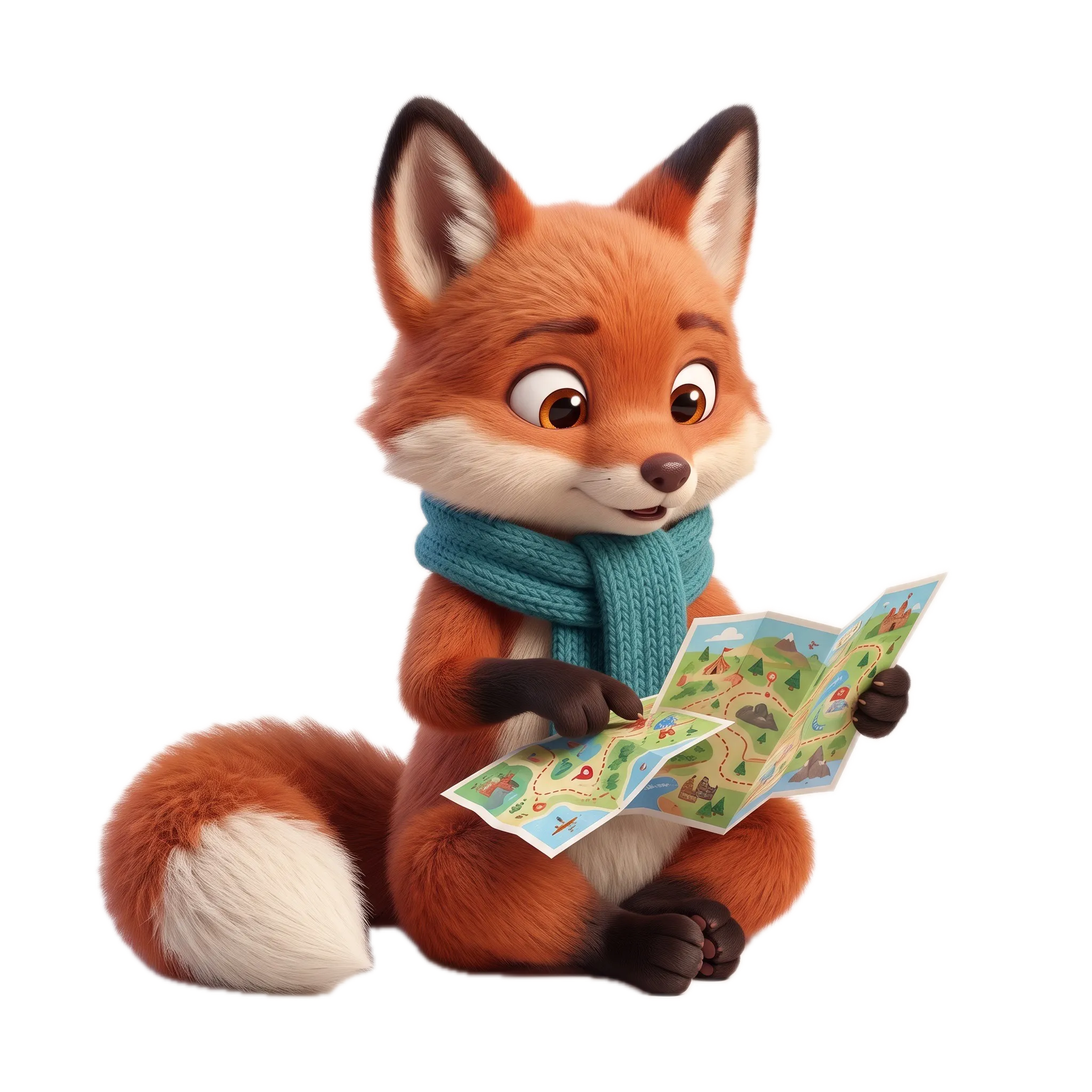
Map 
Trophy - 03 · Layer Composer
The sticker sheet
The four cut-out poses go into a Layer Composer on a teal background, two by two, with the name and a line of type underneath. It renders on your machine, so the sheet costs nothing. Double-click it to move the stickers around.
Open it in
Node Composer.
- 01Download Brand Character.nodecomposer.
- 02Double-click the file, or drag it into Node Composer. Import Project (⌘O) works too.
- 03It opens as a new project, with the images and every prompt in place. Nothing in your library is overwritten.
Running a card again goes through your own provider key, at the price shown on the node.
 Coming soon