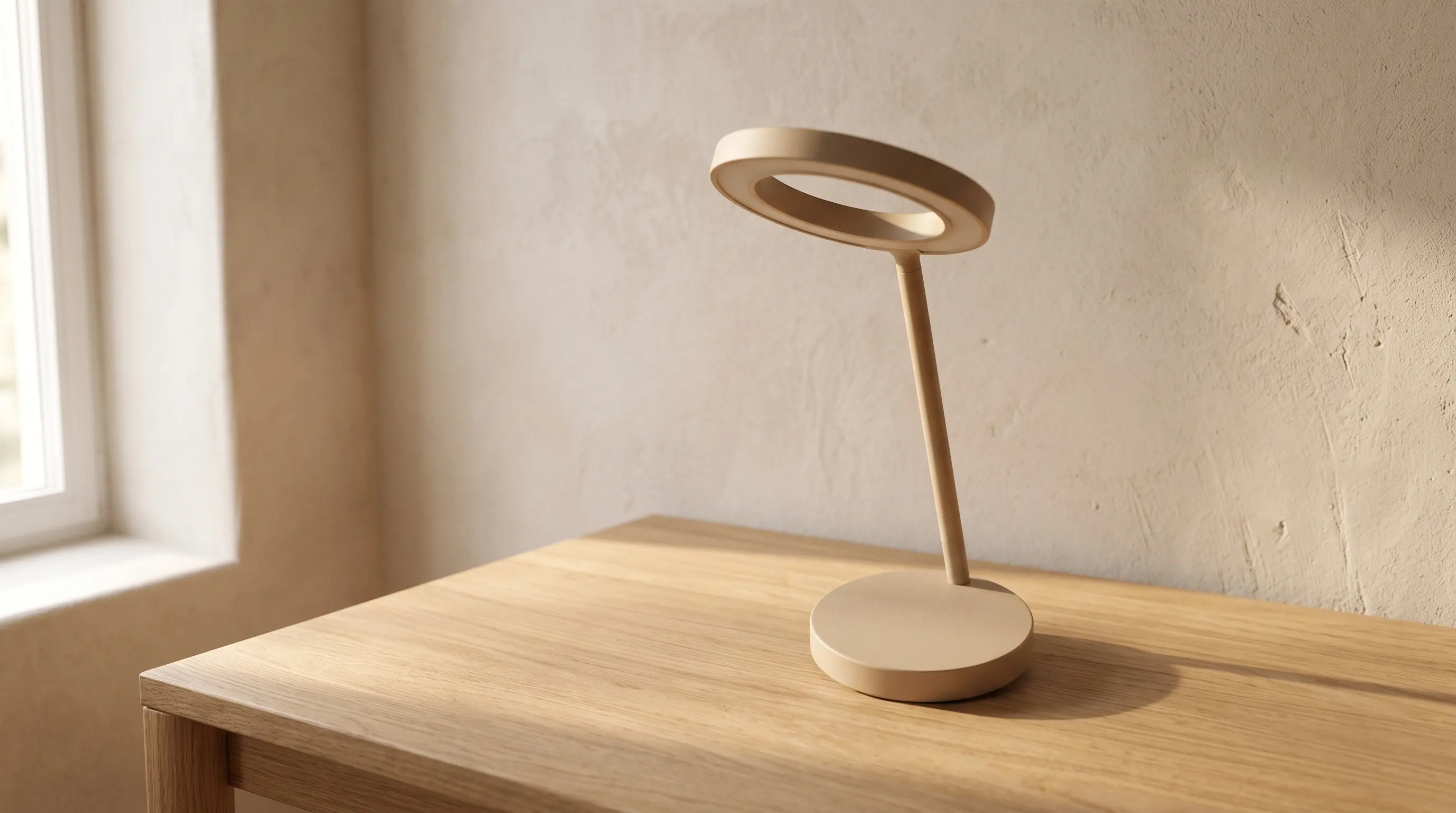
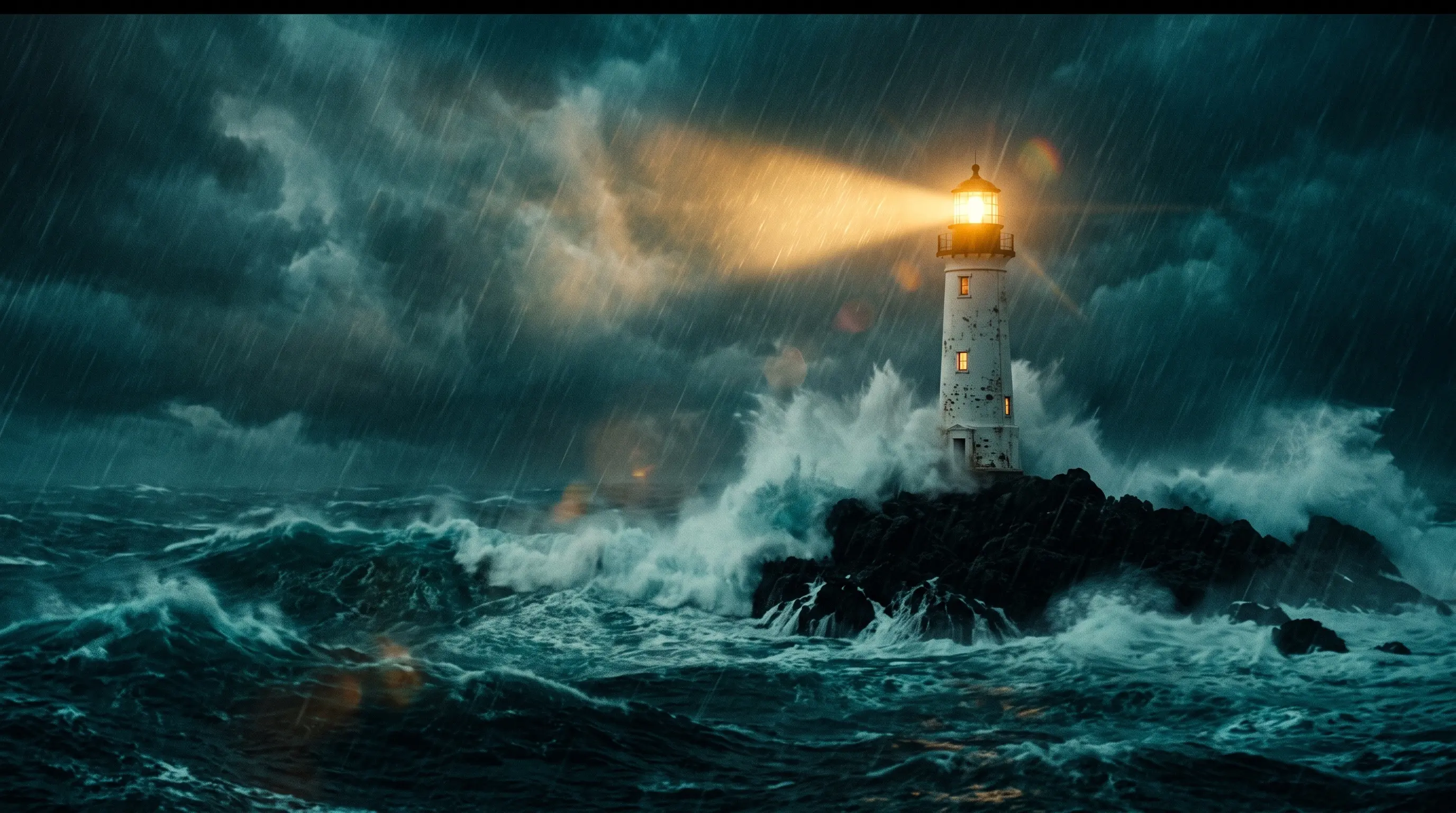
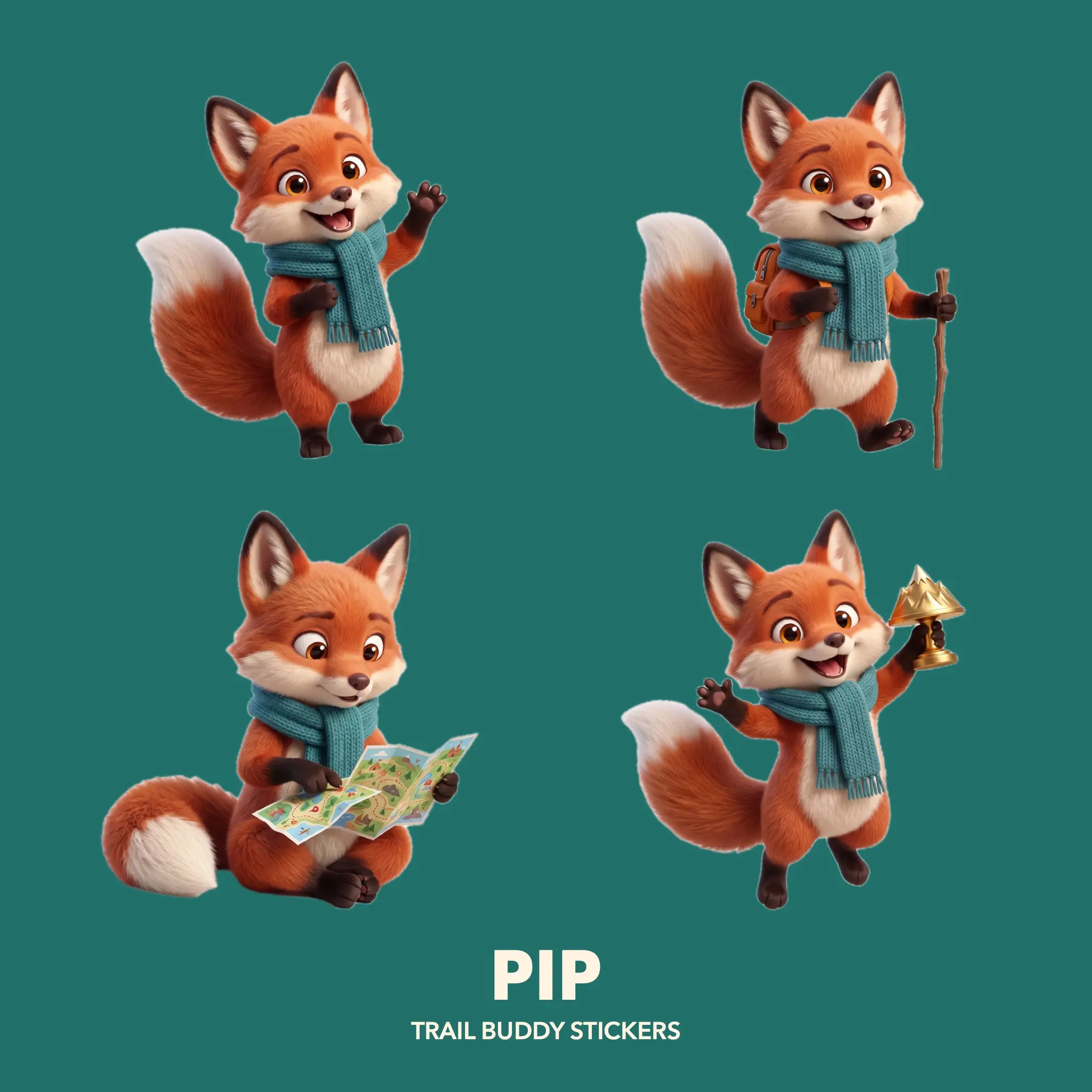
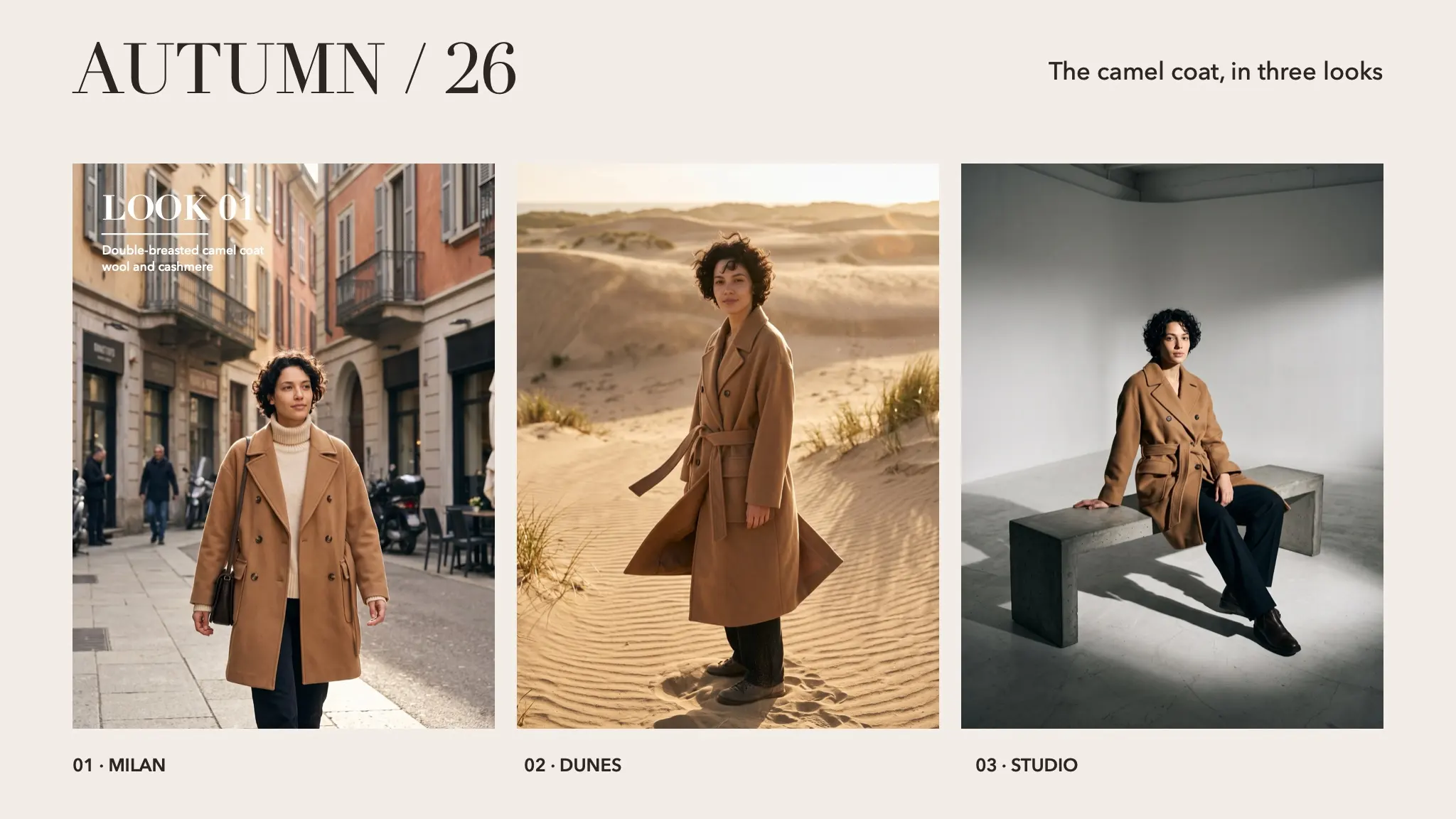
ORSO Cold Brew. A launch post, in two formats.
Three assets made separately, a set, a can and a splash, come together in two Layer Composers: a 3:4 post and a 9:16 story with the type set right in the node. Five nodes, $0.19 in all.




Drag the nodes around, the wires follow.
- Nodes
- 5 in 2 groups
- Results
- 3 assets, a 3:4 post, a 9:16 story
- Models
- Seedream 5.0 Pro, Nano Banana 2.1, GPT Image 2.5 Flare
- Spent
- $0.19
Three assets,
two formats.
Each asset is made on its own, on a plain background where that helps, so the Layer Composers can stack them freely. Here are the assets and the two formats, with the prompts as they are in the project.
- 01 · Assets
The set
This step makes an empty stage for the product. A peach wall with palm shadows and a sand-coloured plinth in the lower third, lit like a summer morning. The set is made on its own so the other assets can be placed on top of it later.
Sunlit pastel peach wall with crisp shadows of palm leaves falling across it, a smooth sand-coloured cylindrical plinth in the lower third, bright summer morning light, empty minimal set for a product, photoreal.

- 02 · Assets
The can
This step makes the product itself: a matte black can with a cream ORSO label, photographed alone on white. Remove Background, from the card menu, cuts the can out of the white, and that cut-out is the version wired into the rest of the graph.
Product photo of a single matte black aluminium can of cold brew coffee, cream label reading ORSO COLD BREW with a small bear logo, fresh condensation droplets, standing upright, isolated on a pure white background, soft studio light, sharp focus.

- 03 · Assets
The splash
This step makes the splash: beans, ice and coffee bursting outward on pure white. In the Layer Composers it sits in Multiply, so the white drops away and only the splash stays.
Roasted coffee beans and clear ice cubes bursting outward with a splash of dark coffee, frozen in mid-air, isolated on a pure white background, high-speed commercial photography.

- 04 · Formats
Post and story
Both Layer Composers take the same three assets: the set at the back, the splash in Multiply, the can on top, and the words set in the node itself. Double-click either one to move the layers and the type. They render on your machine, so the two formats cost nothing.
Post, 3:4 
Story, 9:16
Open it in
Node Composer.
- 01Download Post Adv.nodecomposer.
- 02Double-click the file, or drag it into Node Composer. Import Project (⌘O) works too.
- 03It opens as a new project, with the images and every prompt in place. Nothing in your library is overwritten.
Running a card again goes through your own provider key, at the price shown on the node.
 Coming soon