Halo. A desk lamp, from sketch to render.
A sketch becomes a product render. The render becomes a 3D model, and turning that model to the right angle sets the shot of the final photograph. The same render also goes into a room at blue hour and into three colourways. The whole project cost $1.13 to run.
 1
1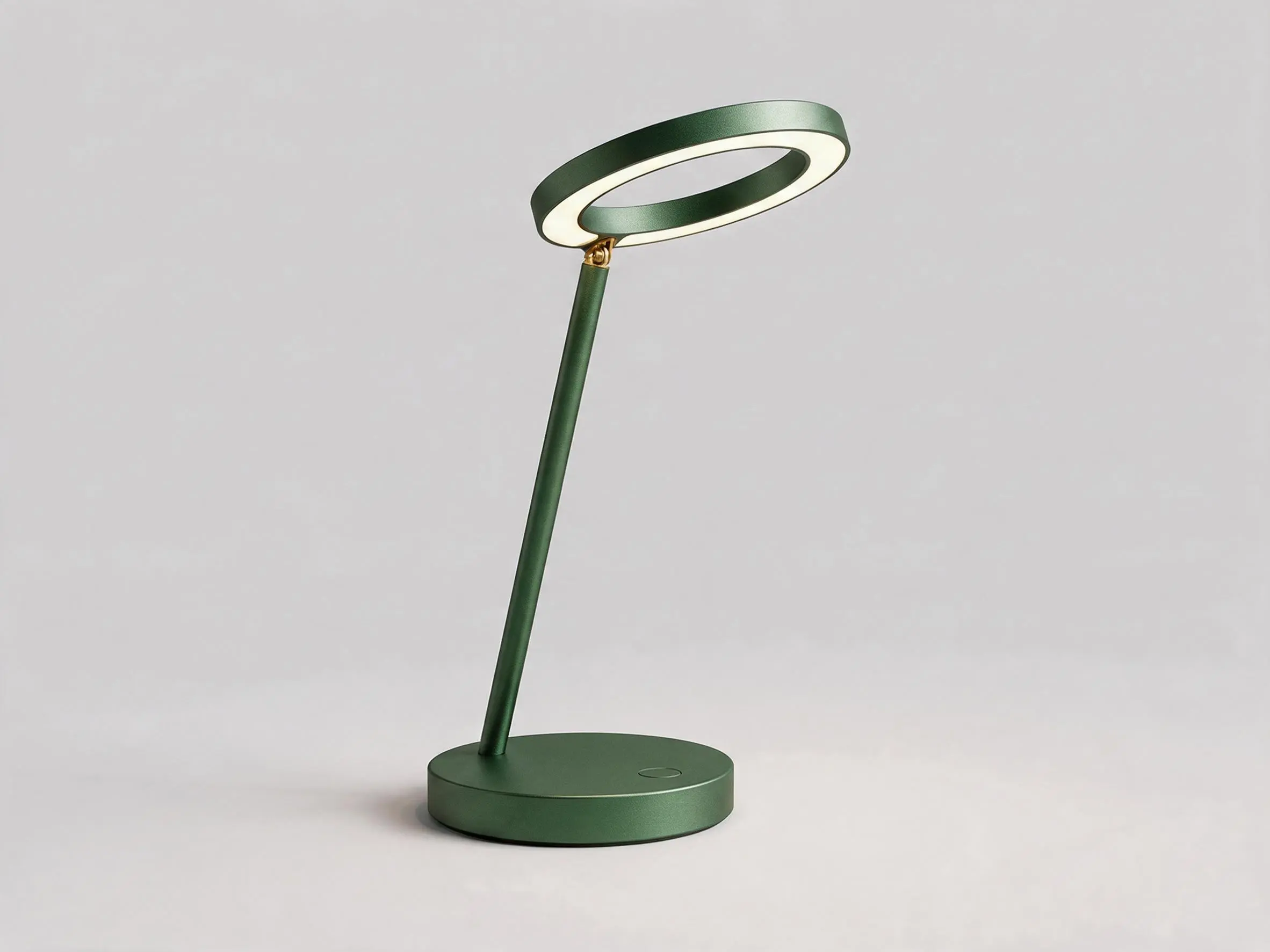
Drag the nodes around, the wires follow.
- Nodes
- 12 in 4 groups
- Results
- 7 images and a 3D model
- Models
- GPT Image 2.5 Flare, Nano Banana 2.1, Hunyuan3D V3, Seedream 5.0 Pro
- Spent
- $1.13
Sketch, render, model,
then the final shot.
From the second card on, everything grows out of the same render, so the lamp keeps its shape wherever it goes. Here is what each group does, with the prompts as they are in the project.
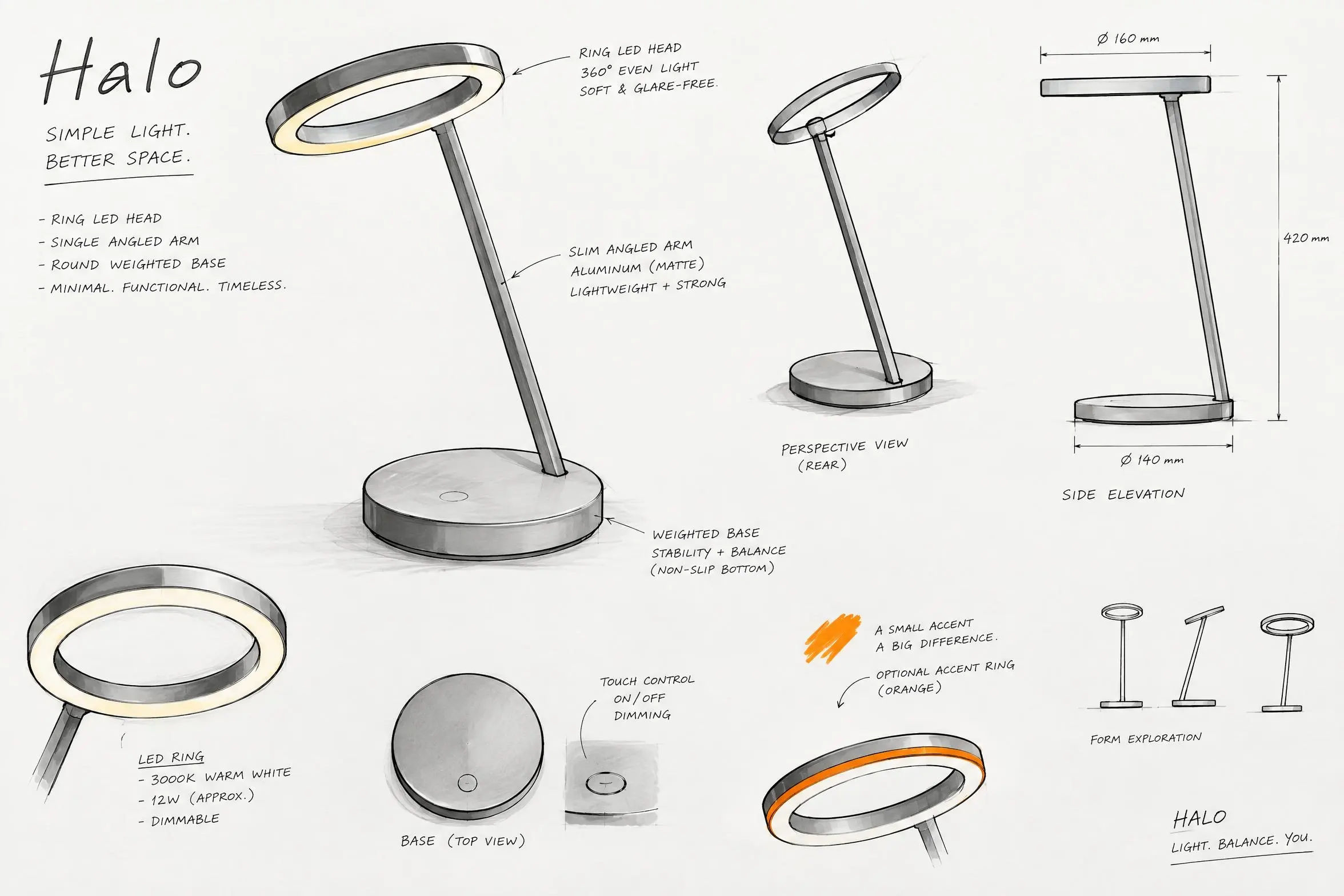
- 01 · Concept
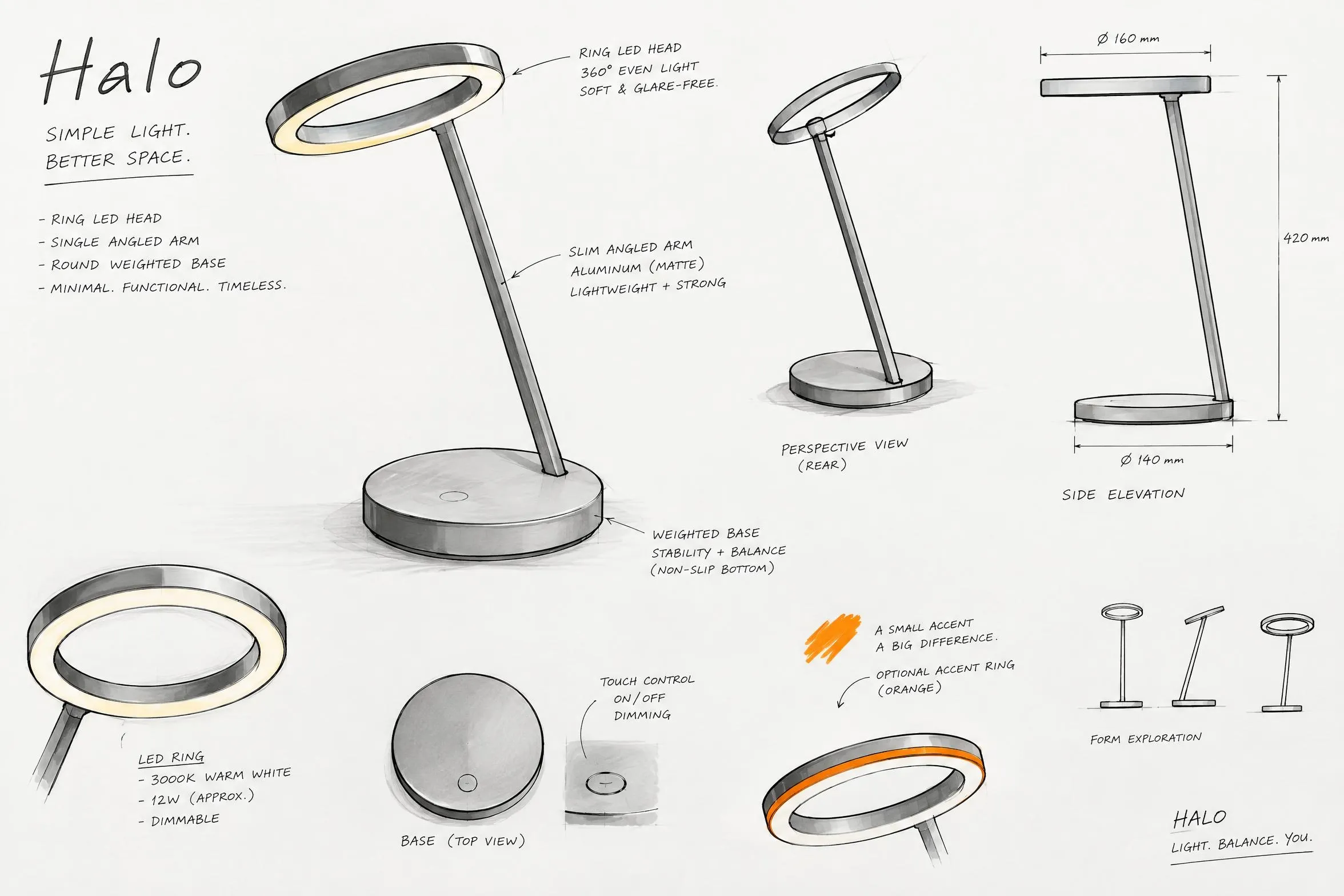
The sketch
A short prompt describes the lamp: a ring of light on one angled arm over a weighted base. It asks for the lamp the way a designer would put it on paper, with several views, a side elevation, marker and fineliner, and notes in the margin.
Industrial design sketch sheet of a minimalist desk lamp named Halo: a ring-shaped LED head on a single slim angled arm and a round weighted base; several perspective views and a side elevation, marker and fineliner on white paper, light grey shading with one orange accent, handwritten designer notes.
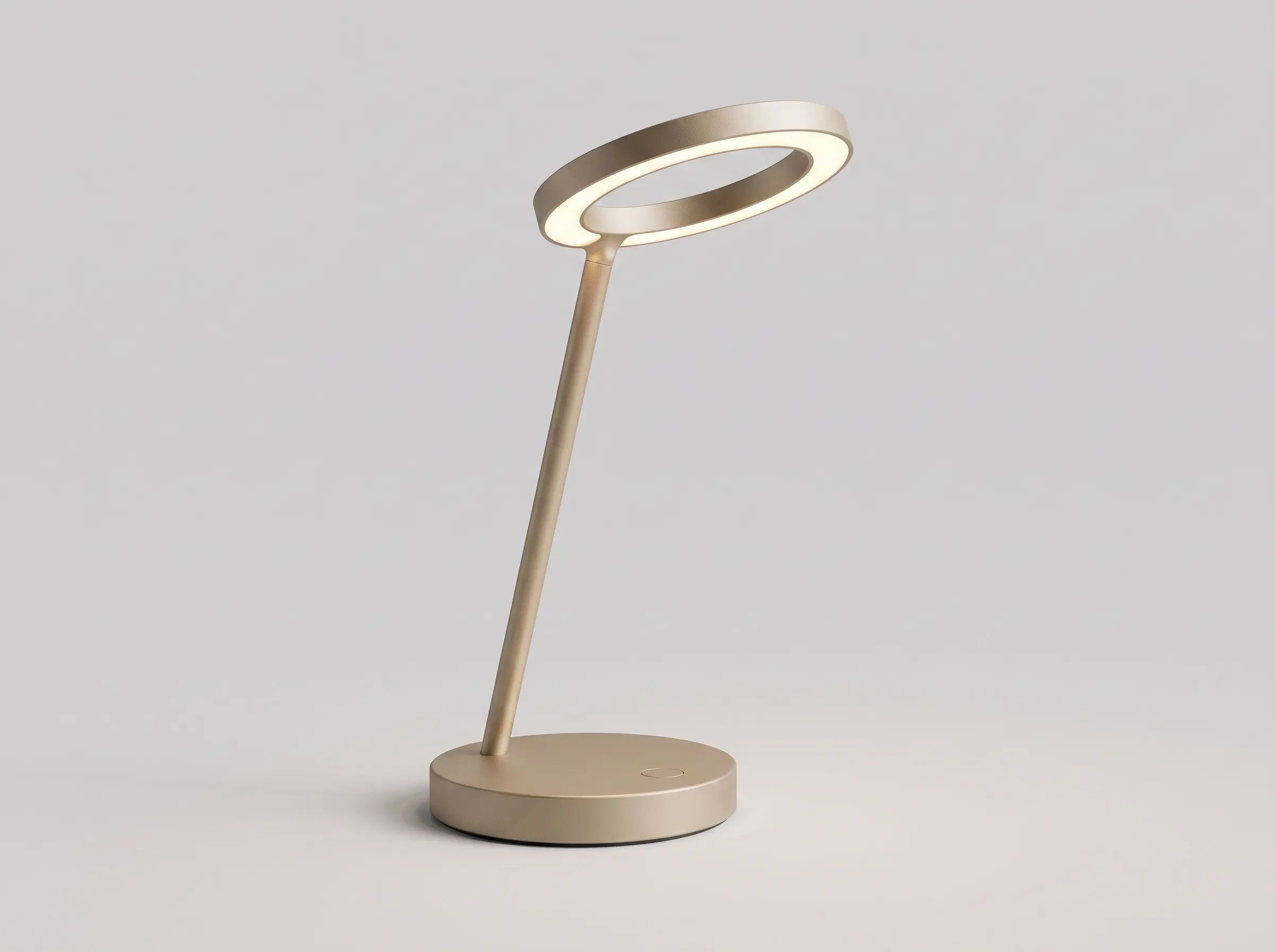
- 02 · Concept
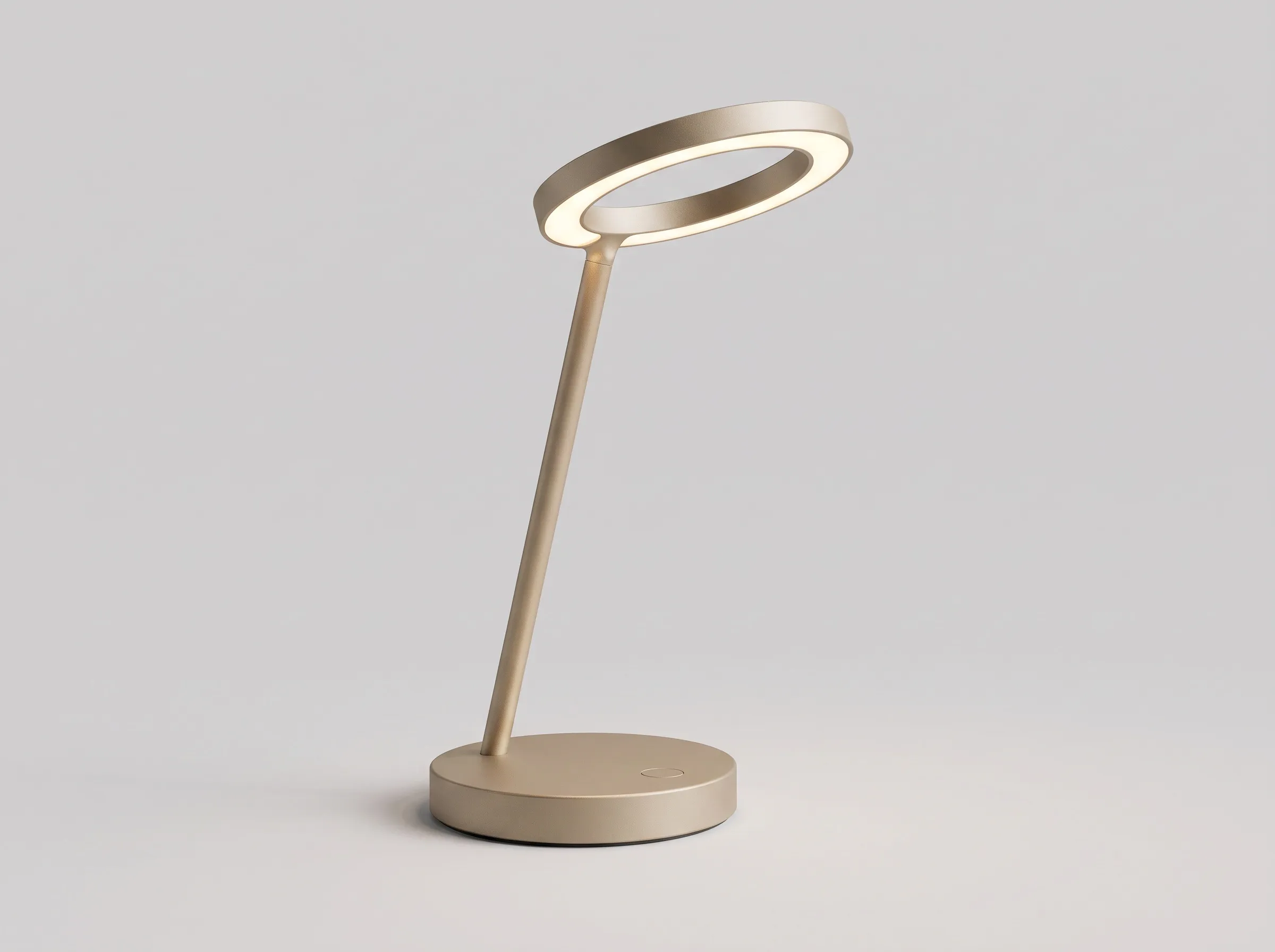
The render
The sketch goes in as the reference image and comes out as a product shot: matte sand-coloured aluminium, the ring glowing warm white, on a seamless grey backdrop. This is the picture the rest of the project is built on.
Turn the sketch into a photoreal product render of the Halo lamp: matte sand-coloured aluminium, the ring head glowing warm white, three-quarter view on a seamless light grey studio backdrop, soft contact shadow, product design visualisation.
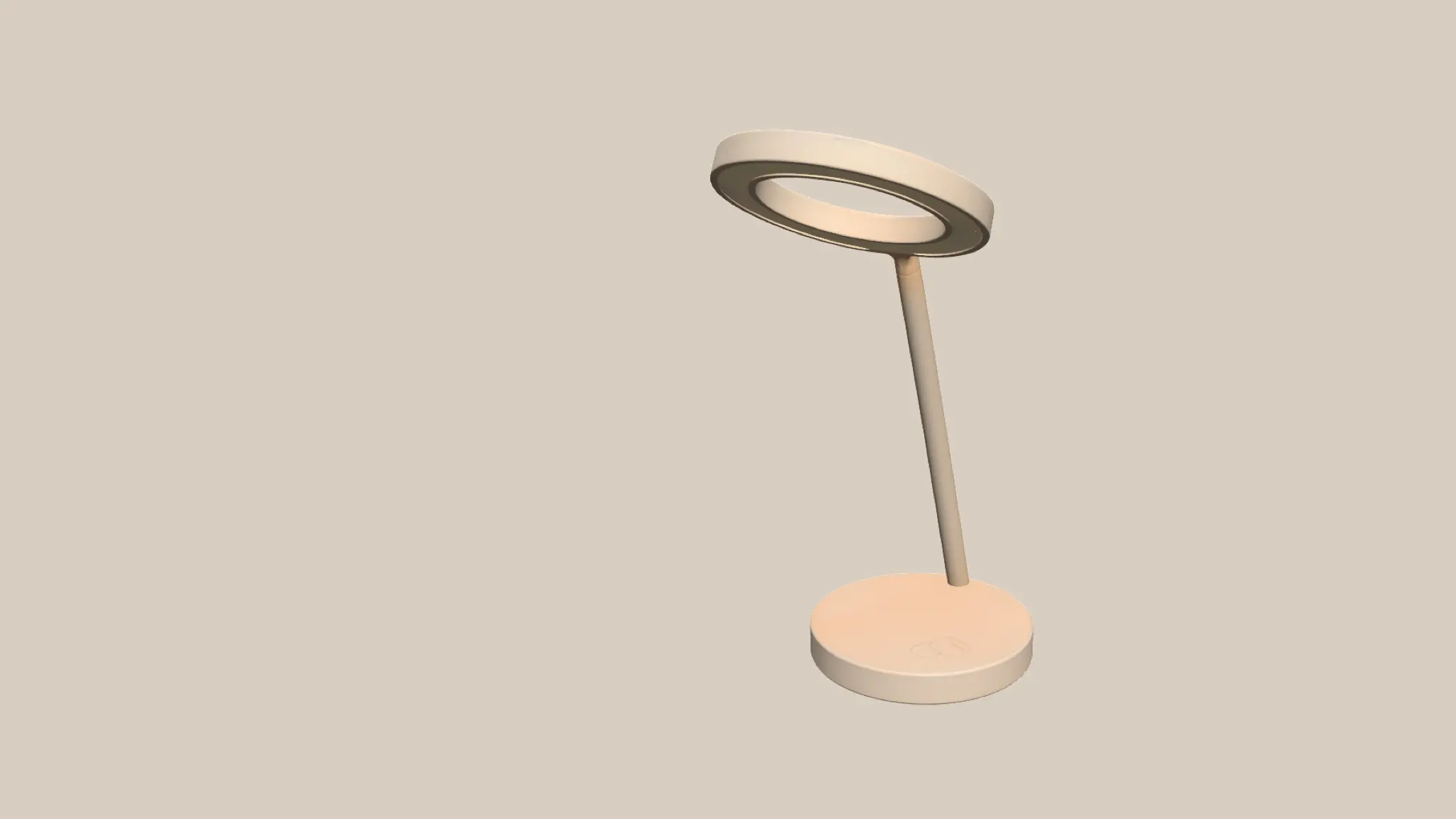
- 03 · 3D model and final render
The 3D model
The render goes into Hunyuan3D V3 and comes back as a textured 3D model of half a million faces. You can turn it on the canvas and export it. It is saved inside the project file, so when you open it the lamp is there to spin.
- 04 · 3D model and final render
Blocking, then the shot
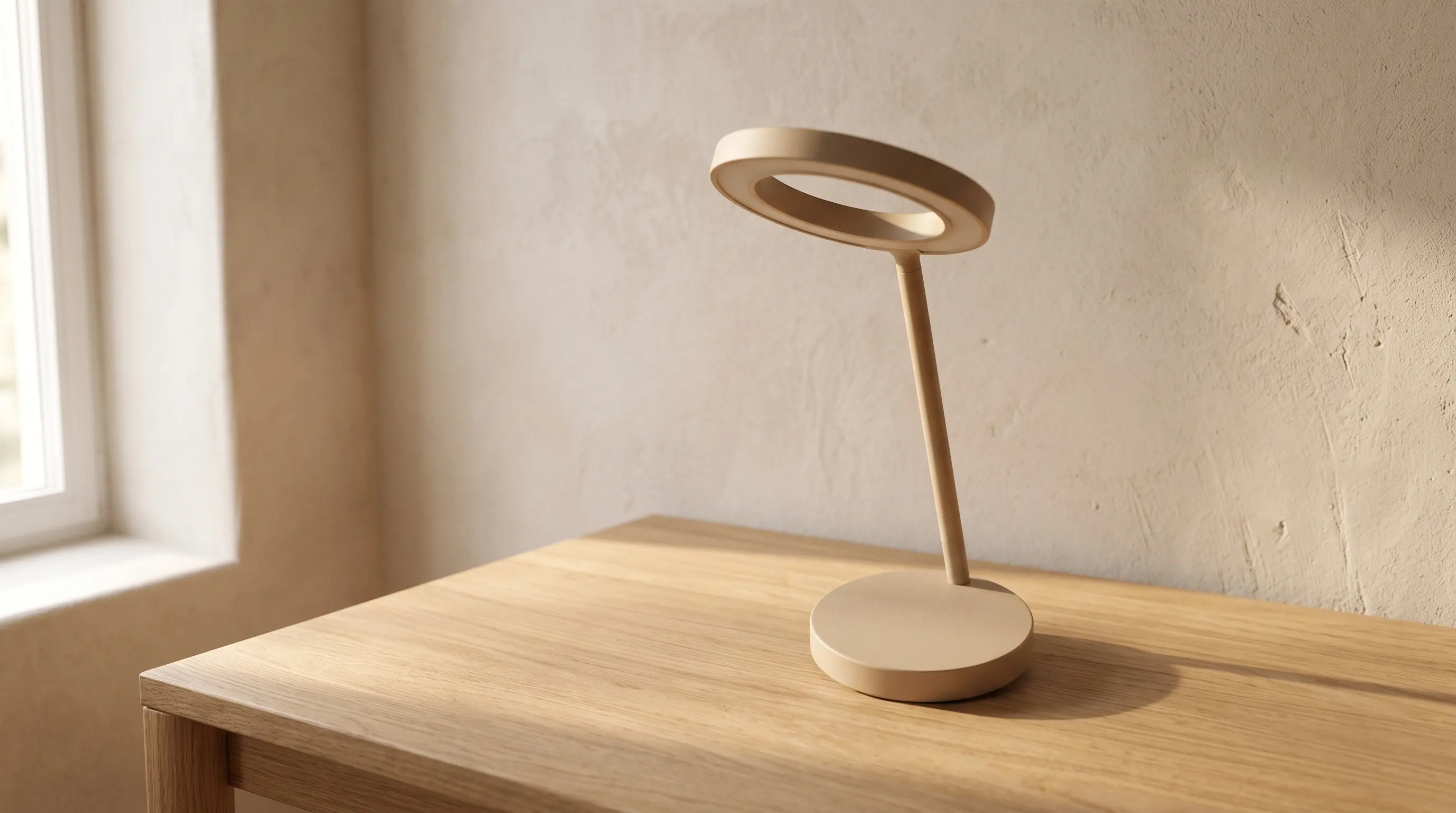
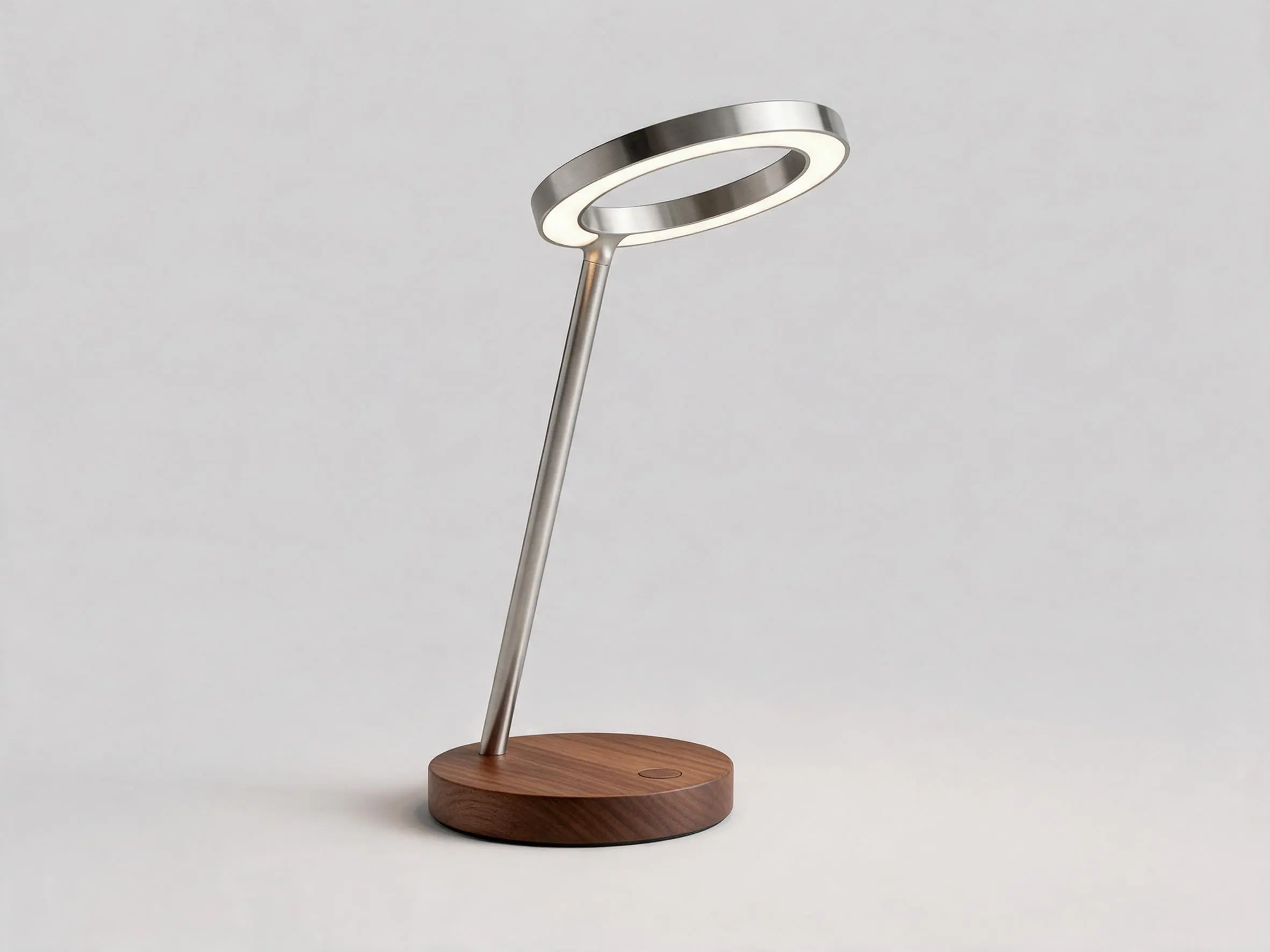
In a Layer Composer you turn the model to the angle and size the photograph needs, on a plain warm background. That layout goes into Nano Banana as the reference image. The model keeps the lamp exactly where it stands and builds the room around it.
Photoreal product photograph built on this layout: the Halo lamp exactly as it stands here, the same angle, size and place, on a light oak desk against a warm plaster wall, soft morning light from a window on the left, gentle shadows, shallow depth of field, premium catalogue shot.
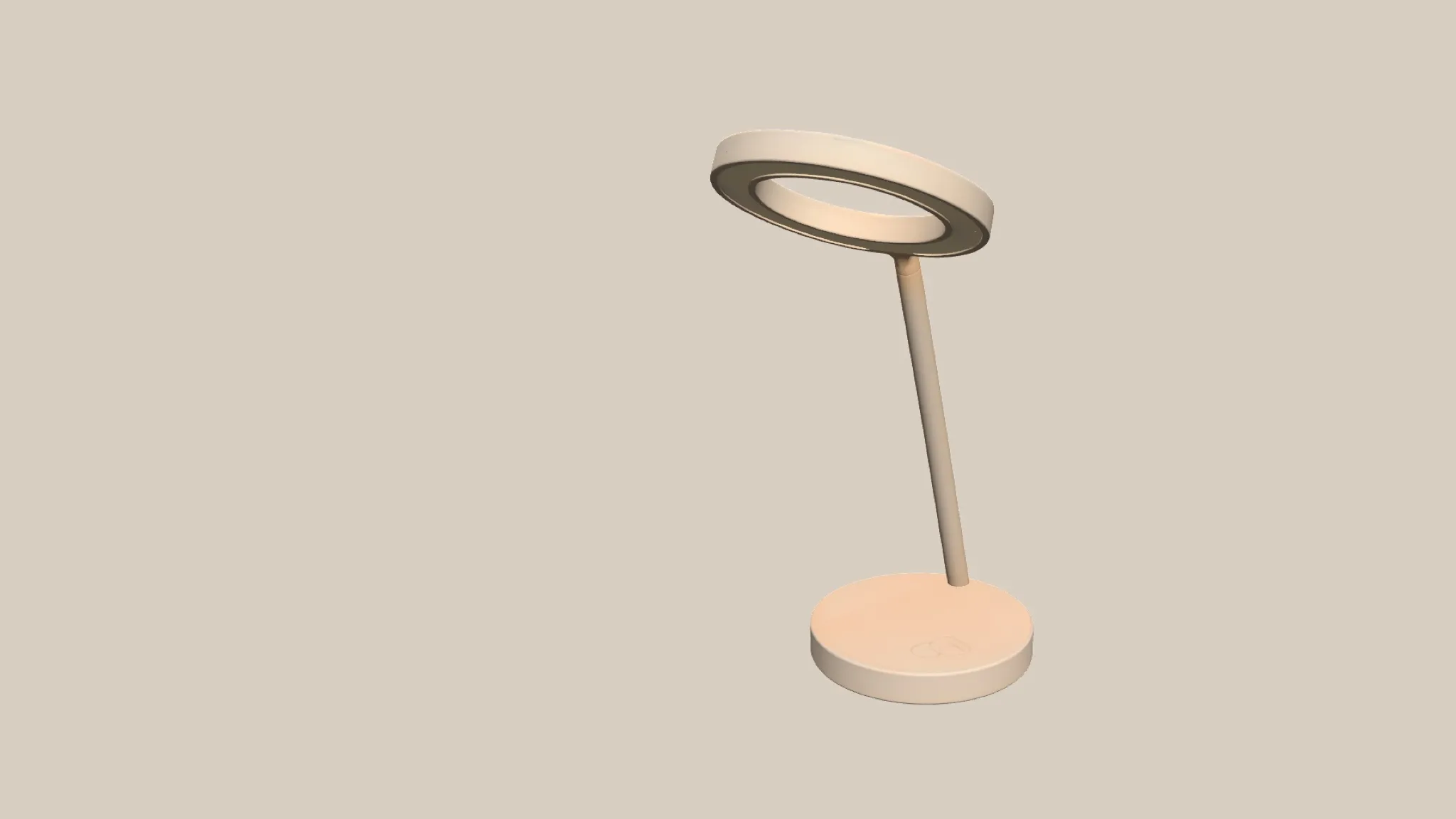
Blocking, in the Layer Composer 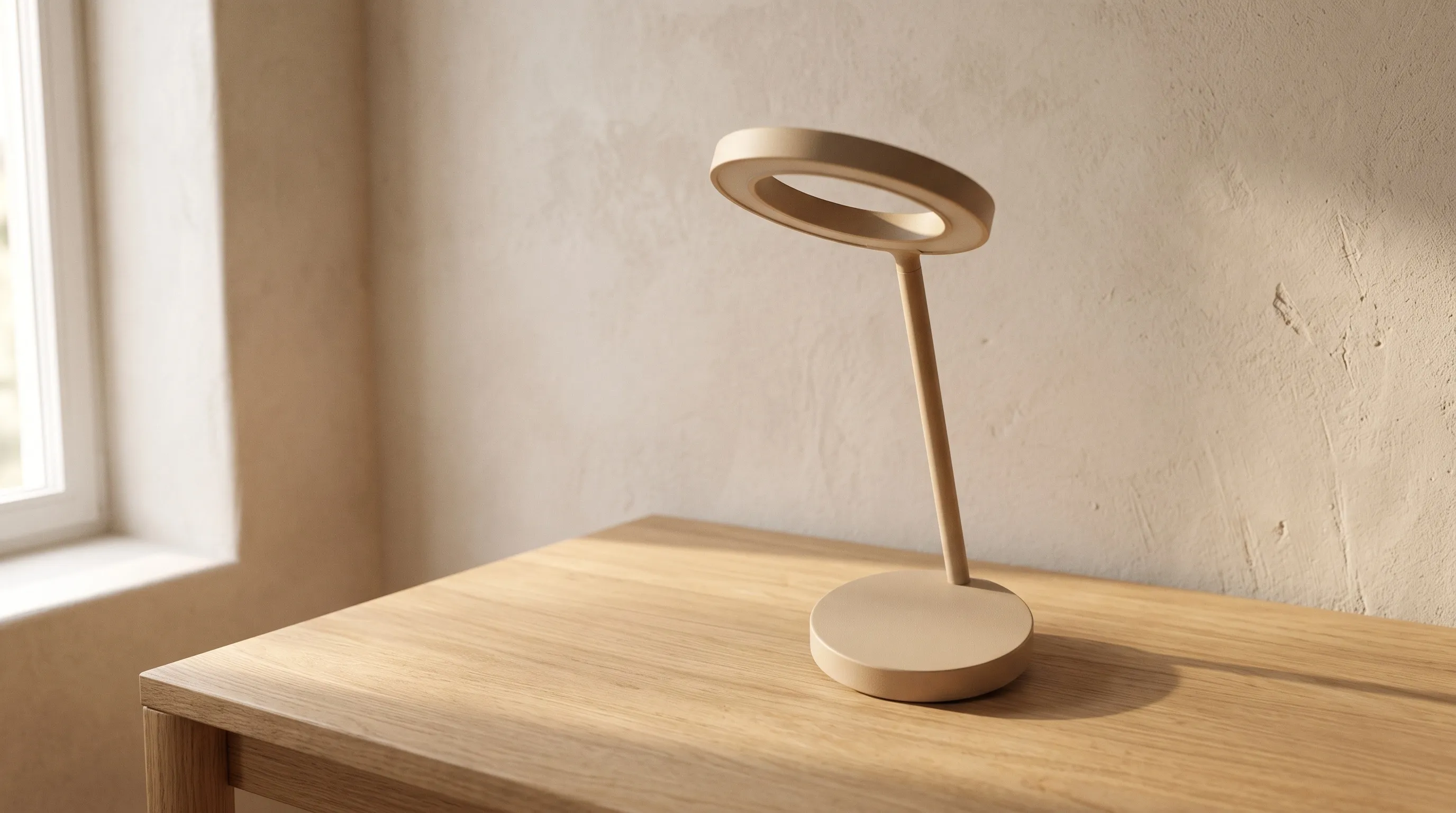
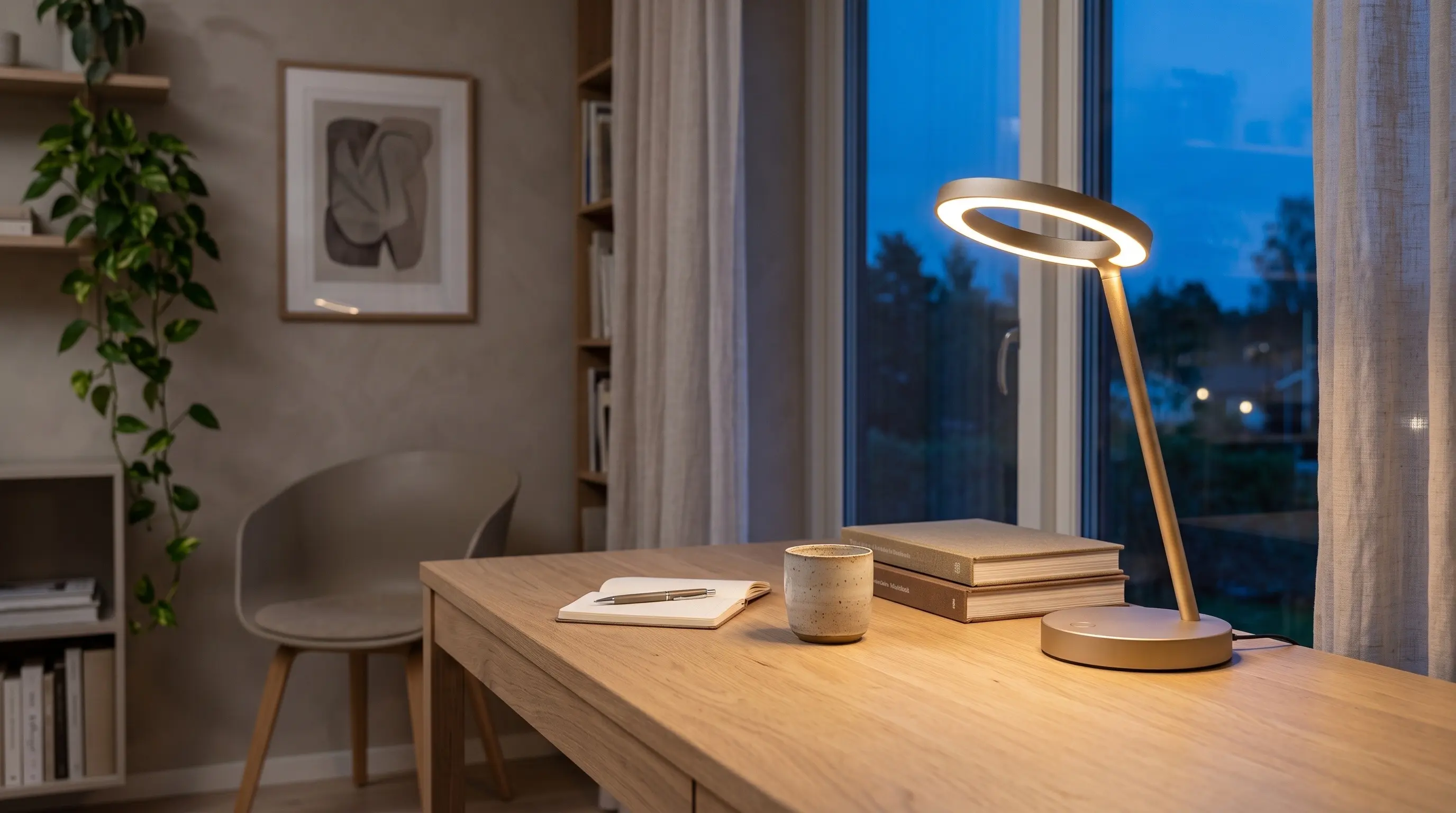
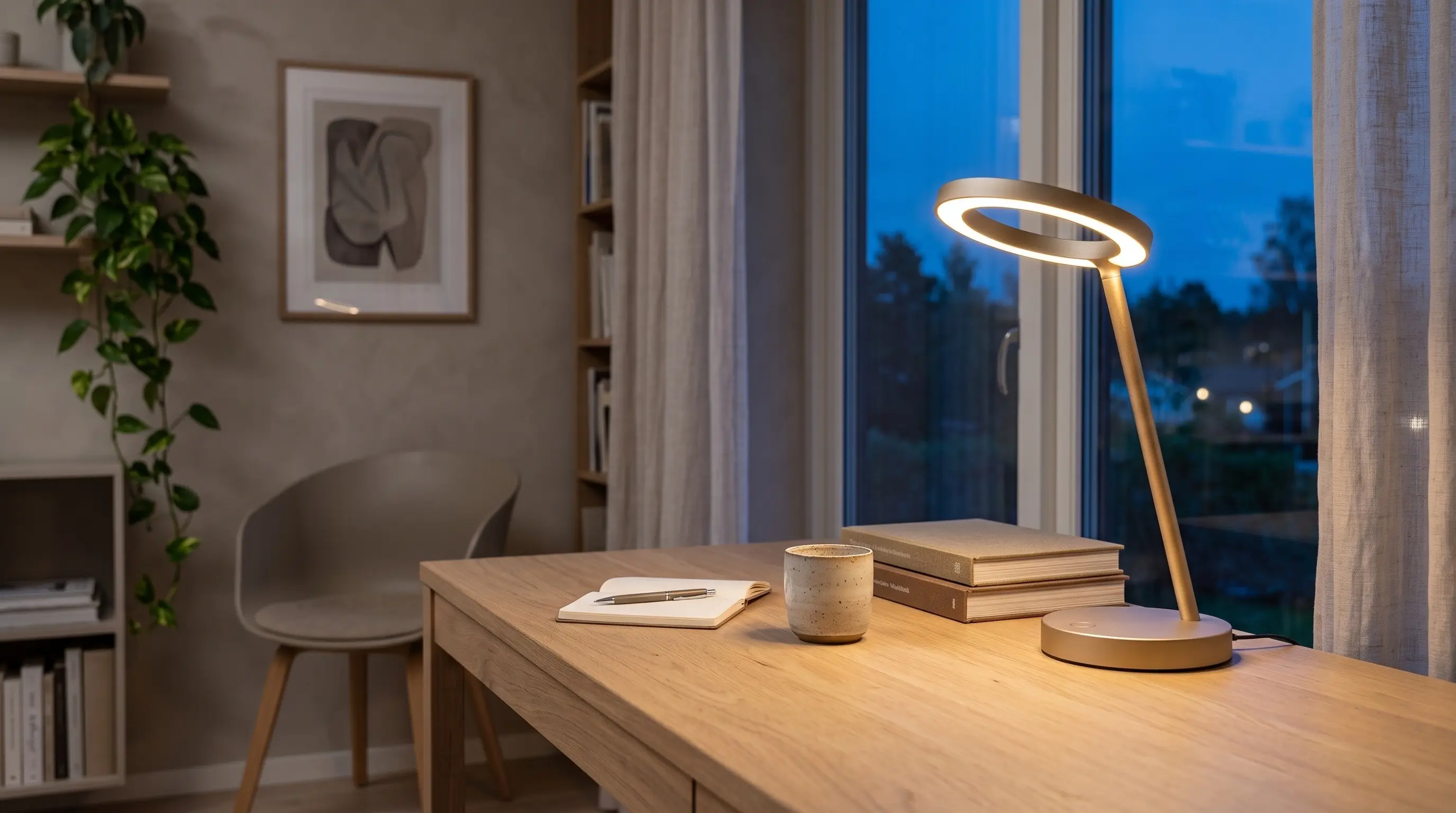
The final render, built on it - 05 · In a room
The room
Using the render as its reference, the model puts the lamp on a light oak desk in a Scandinavian home office at blue hour, with a few books and a cup beside it. A second node then upscales the room to 36 megapixels, ready for print.
The Halo lamp from the reference on a light oak desk in a calm Scandinavian home office at blue hour, its ring glowing warm, a few books and a ceramic cup beside it, photoreal interior photography.
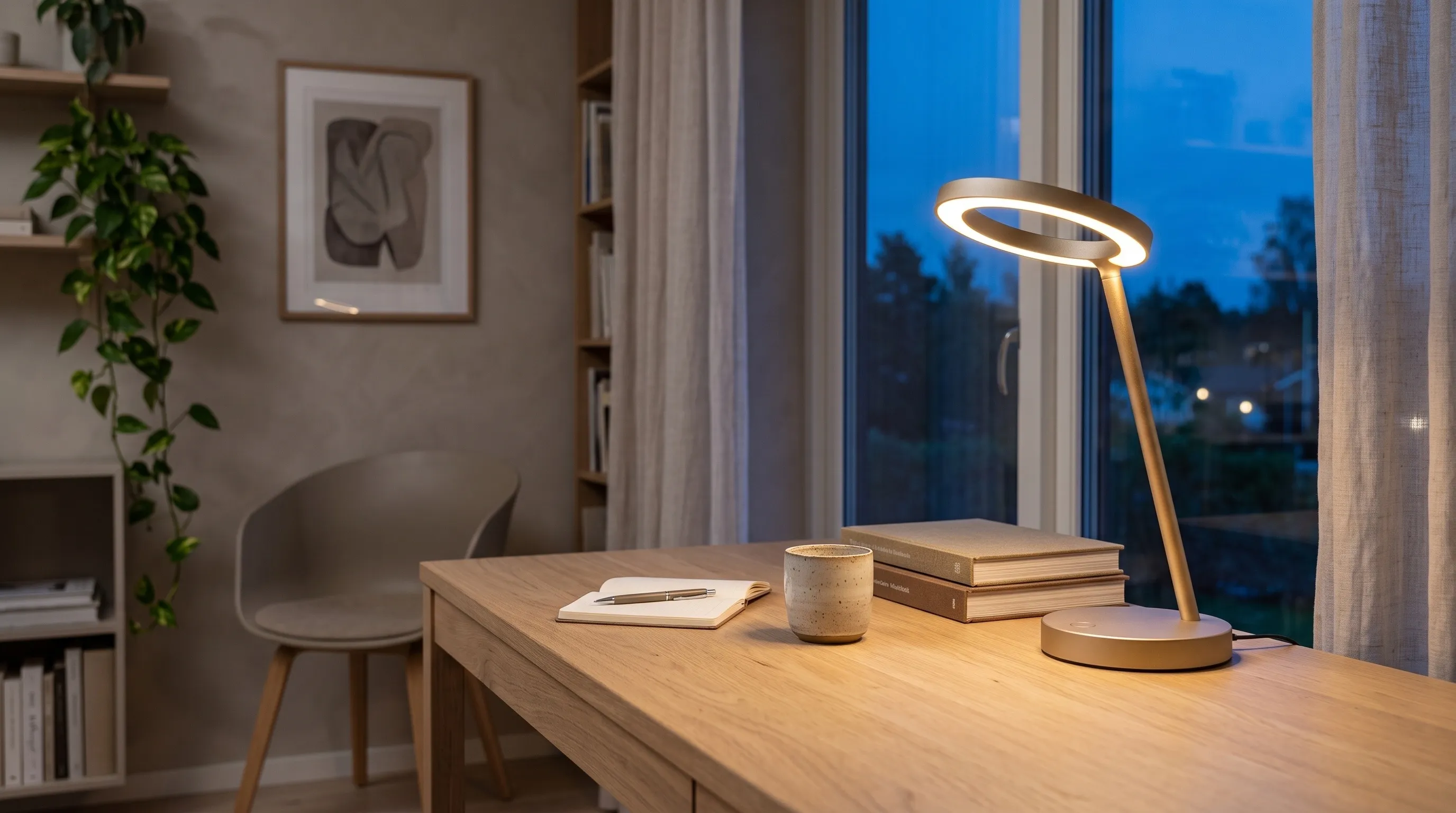
- 06 · Colourways — one Prompt Split, three cards
Three colourways, one prompt
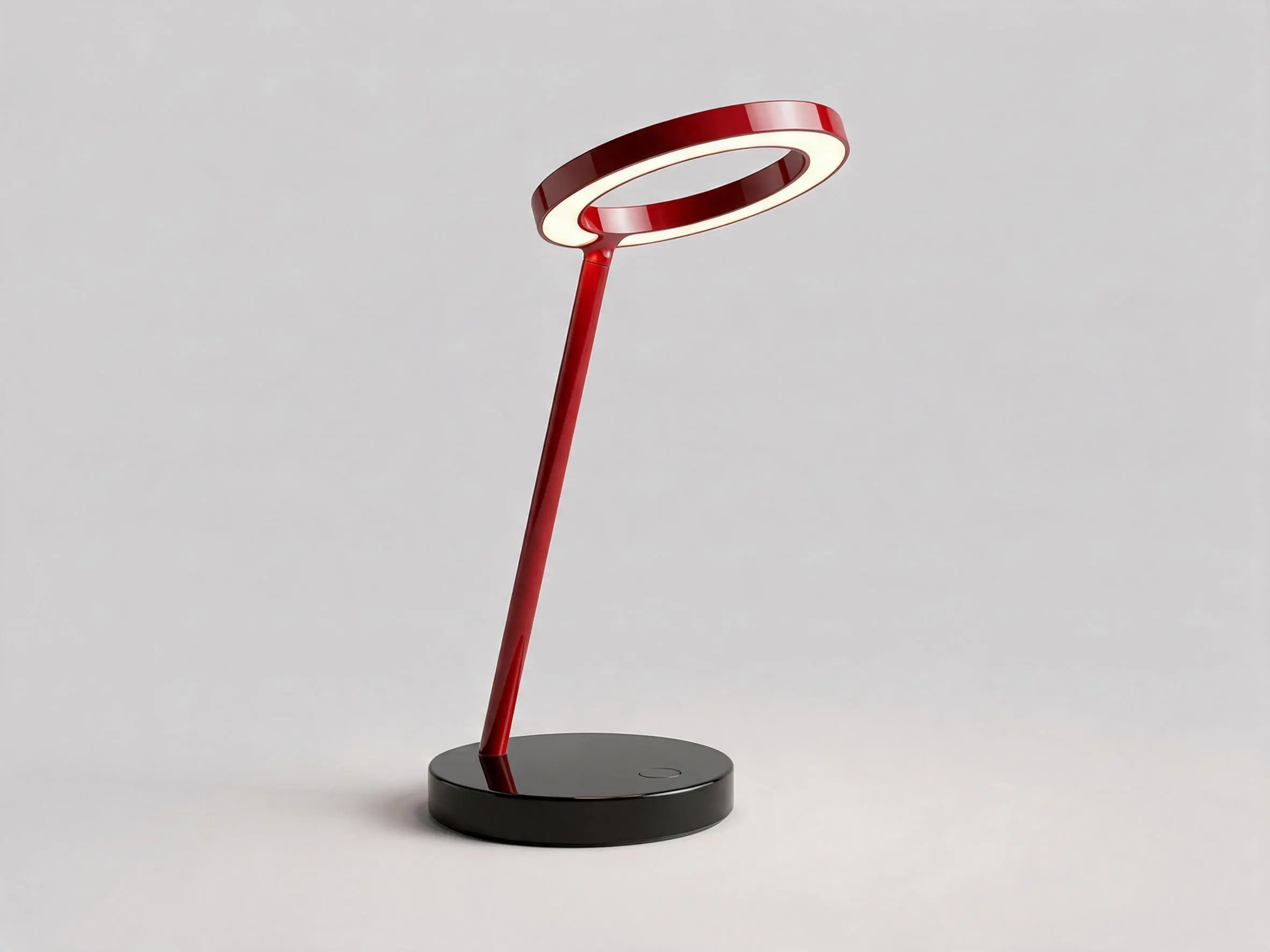
The three variants are written in one Prompt Text, with a line holding just an asterisk between them. Prompt Split cuts the text there and sends one piece to each of the three cards. Every card also takes the render as its reference image, so the view and the light stay the same and only the finish changes.
The same Halo lamp, same view and studio light, in anodised forest green with a brass hinge. * The same Halo lamp, same view and studio light, in gloss signal red with a black base. * The same Halo lamp, same view and studio light, in brushed steel with a walnut wood base.
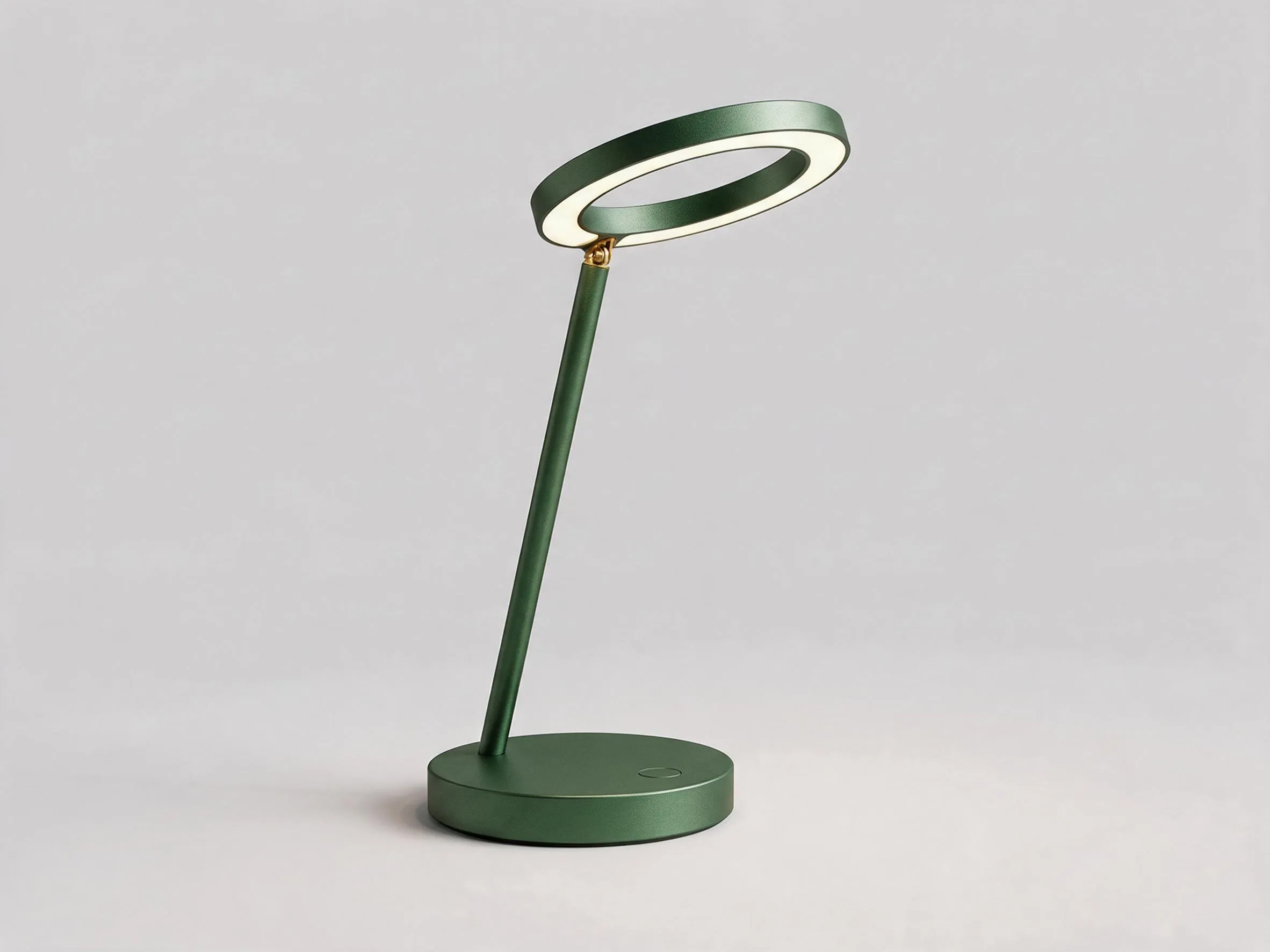
Forest green, brass hinge 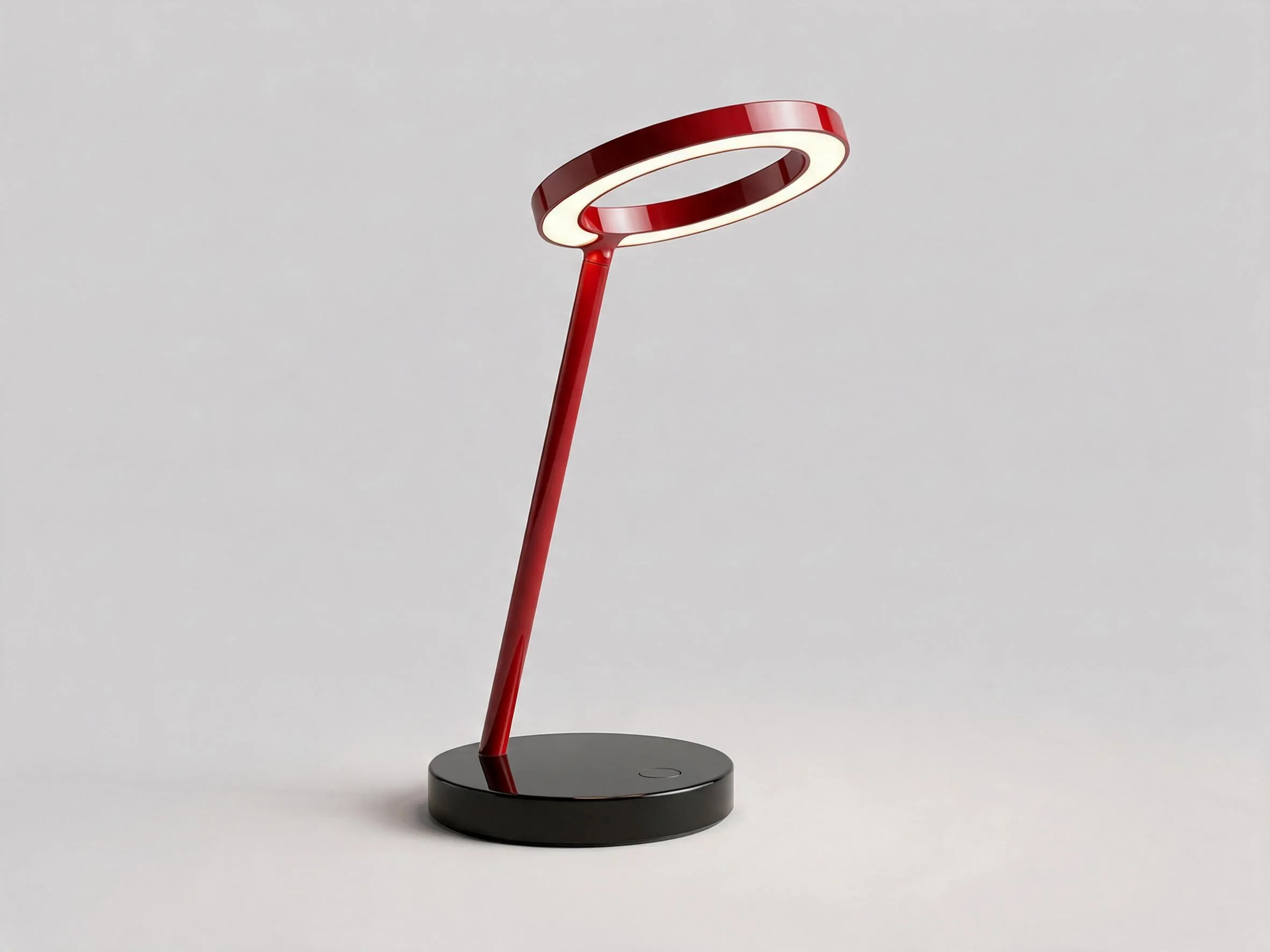
Signal red, black base 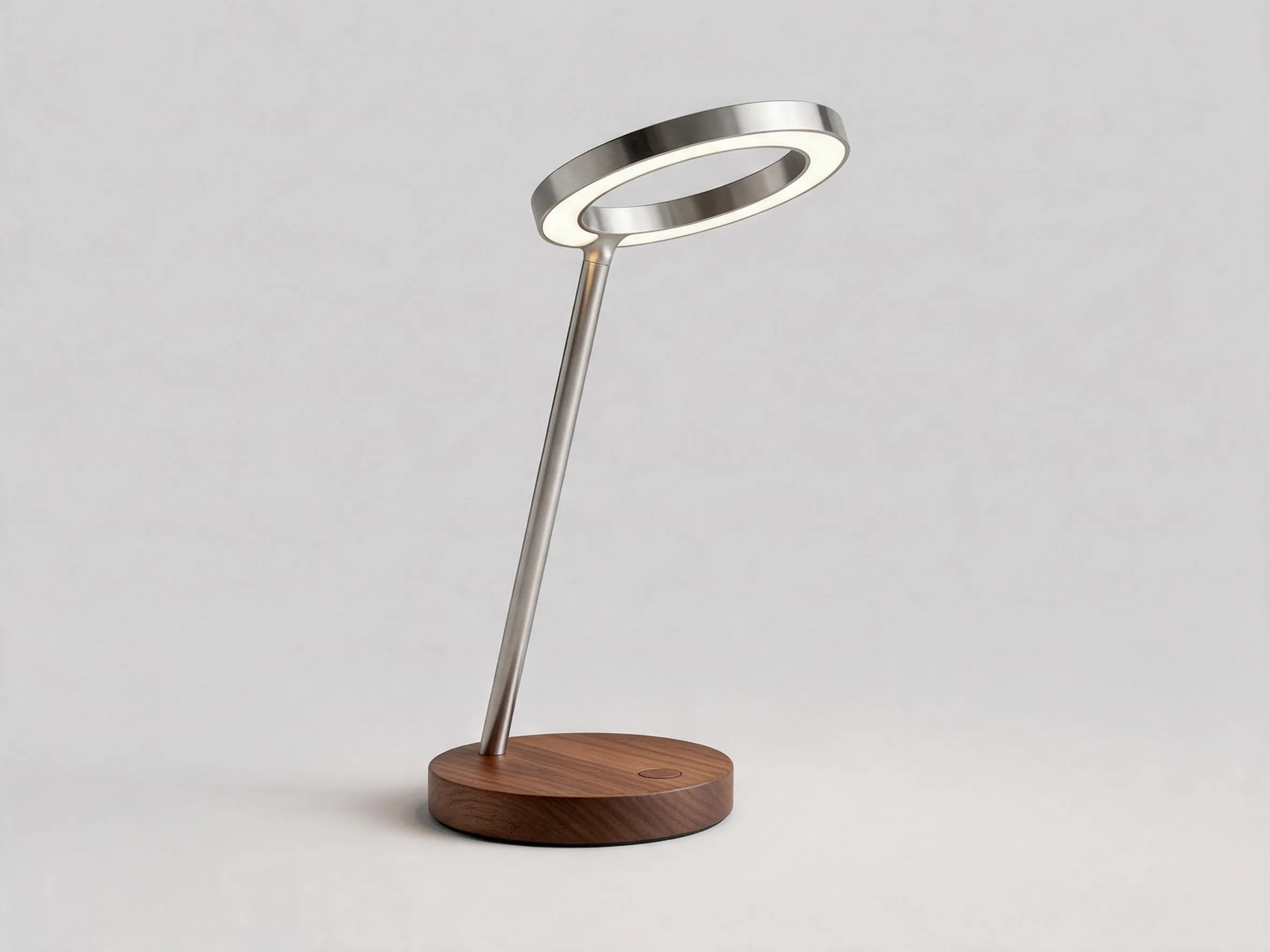
Brushed steel, walnut base
Open it in
Node Composer.
- 01Download Design.nodecomposer.
- 02Double-click the file, or drag it into Node Composer. Import Project (⌘O) works too.
- 03It opens as a new project, with the images and every prompt in place. Nothing in your library is overwritten.
Running a card again goes through your own provider key, at the price shown on the node.
 Coming soon