Media Placeholder
Add Node → Compose → Media Placeholder
An empty slot for a picture, a video or a sound. It’s ideal for template flows: build the flow once, with a slot where the media changes from job to job, and drop new media in each time.
What’s on the card
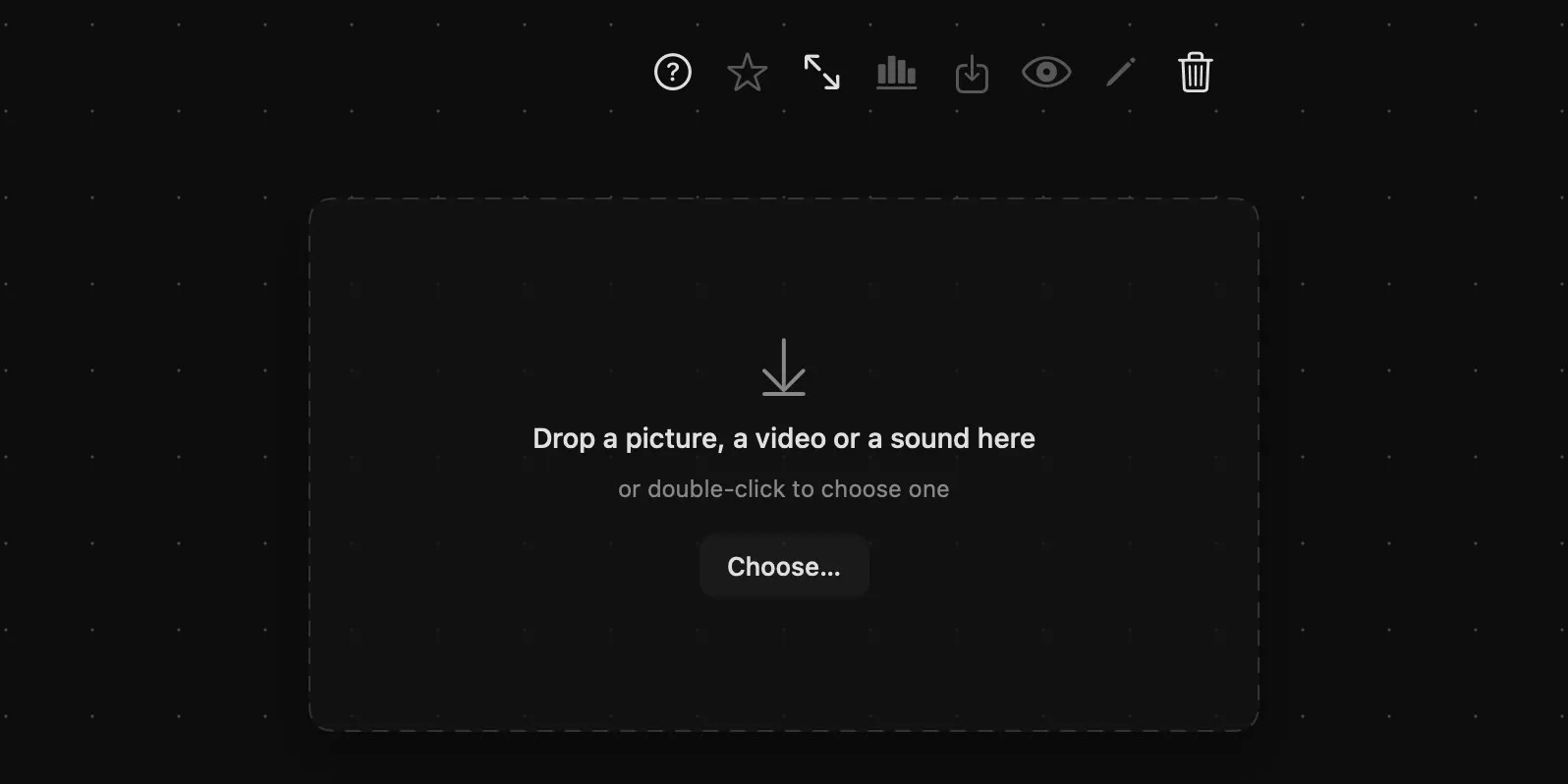
| Area | What it does |
|---|---|
| Above the card | The buttons of the media it will hold — most of them wake up once it’s filled — and help and delete. |
| The slot | Reads Drop a picture, a video or a sound here, or double-click to choose one, with a Choose… button. |
| Rings | None while it’s empty: there’s nothing in it to pass on yet. |
Filling it
- Drop a file onto it from the Finder, or double-click it, or press Choose…, to pick one.
- Drop a result lifted from another card: hold the result for half a second, then drag it onto the slot.
The moment something lands, the placeholder becomes an Image, Video or Audio card in the media’s shape, with that kind’s output ring, ready to wire into anything that takes it. It takes pictures, videos and sounds — not 3D models or LoRAs, which have cards of their own.
In a template flow the placeholder comes already wired, and filling it keeps the wires its new kind can carry: everything downstream picks the media up. Wires into rings that don’t take that kind — a clip where a generator wanted a picture — come off.
Using it as a template
A flow built around placeholders is one you can run again and again: each placeholder marks where that job’s media goes, and the rest of the graph stays as it is. A filled placeholder has become a card of its own and won’t take another file, so keep a copy of the flow with its placeholders empty, duplicate it for each job, and drop that job’s picture, clip or sound in.